
Here’s a problem a lot of people hit at exactly the wrong moment: you’ve spent weeks picking parts, the GPU costs more than your first car, and then you realize the only case that looks good in your living room is a sealed glass box that cooks your hardware. The opposite trap is just as common — you buy a mesh-front airflow case that performs beautifully and looks like a server that wandered out of a closet.
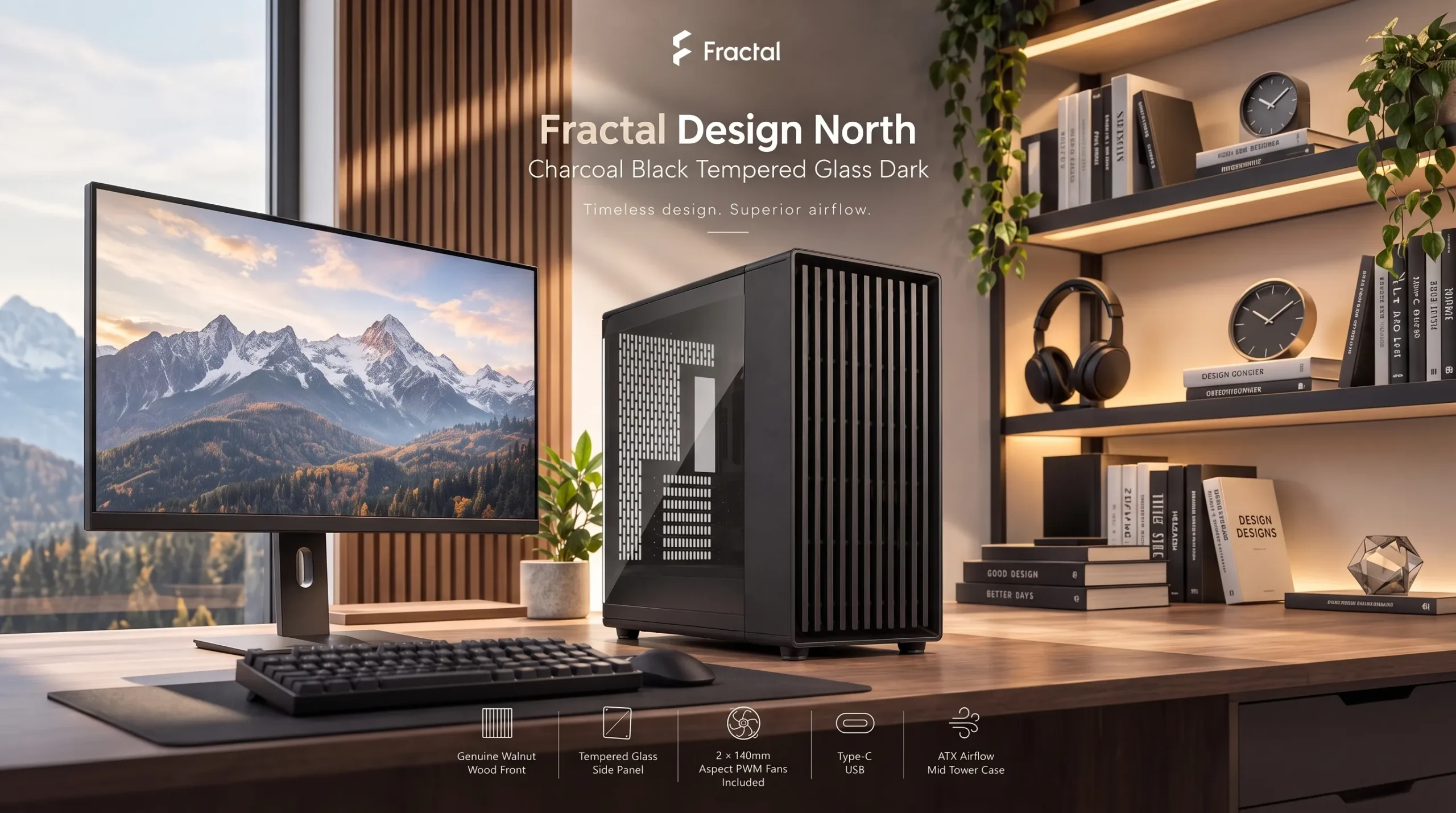
The North Momentum Edition is Fractal’s attempt to stop making you choose. It’s the all-black version of the North, a case that got popular for pairing a real wood front with an open intake, and this edition ships with three 120 mm fans already installed. Whether that combination is worth your money depends on which build you’re putting inside it.
The problems this case is built to solve
Your parts run hot in a pretty case. Closed glass or solid-panel fronts choke intake air. This one keeps an open front design with a mesh top, so the wood slats are decorative rather than a wall. Anyone running a hot mid-to-high-end GPU benefits.
You don’t want to buy fans separately. Plenty of cases at this price ship with one sad rear fan. The Momentum edition includes three Momentum 12 fans pre-installed in the front, which use liquid crystal polymer blades and FDB bearings, rated to 2,200 RPM, 67.34 CFM, and 2.51 mmH2O static pressure. Buying three comparable fans separately isn’t cheap, so that’s real money included in the box.
Your PC is visible from the couch. The wood front is genuine blackened oak with dark alloy accents, aimed at people whose tower sits on a desk in a shared room, not under it.
Building and upgrading is a chore. Fractal lists tool-less access to the top, left, right and front panels, with captive thumbscrews on the drive brackets, side panels and PSU bracket. That means fewer loose screws rolling under the desk during a GPU swap.
You still need drives. It takes two dedicated 2.5″ mounts plus two combined 3.5″/2.5″ mounts, with two trays included — enough for a game library on spinning rust alongside NVMe.
What it actually is
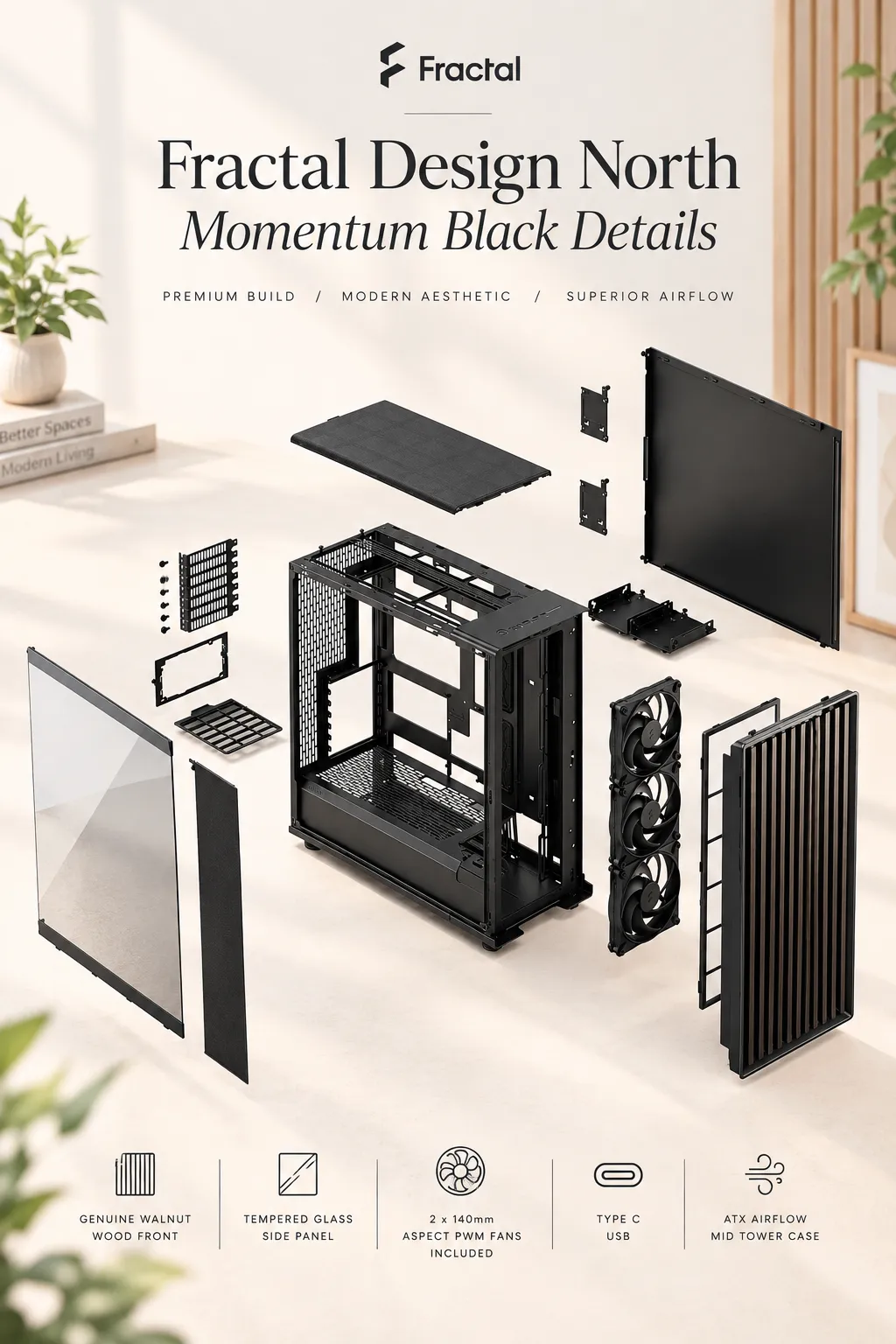
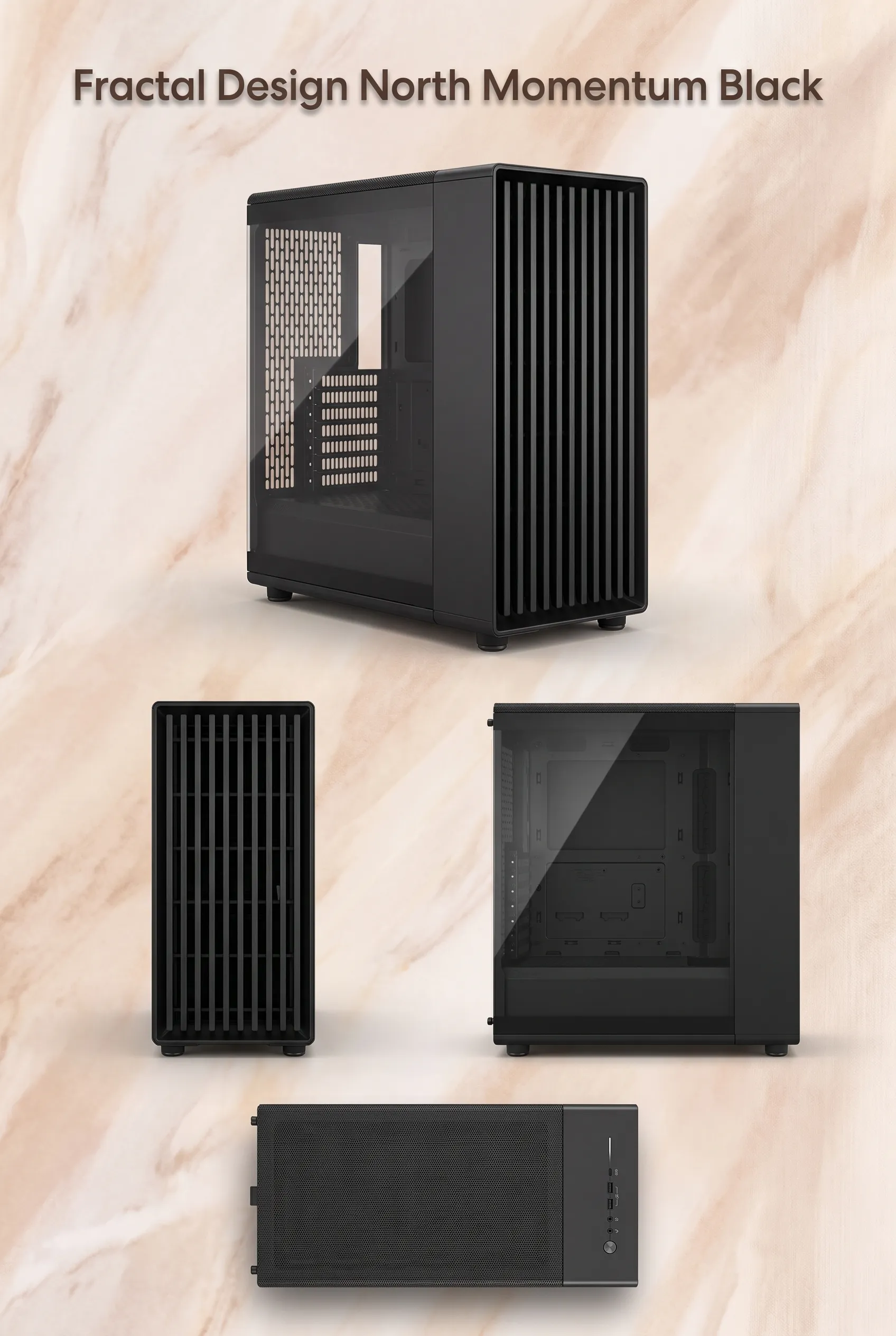
A steel mid-tower with a tempered glass left panel and a steel right panel, supporting ATX, micro-ATX and mini-ITX boards, with seven expansion slots and an ATX power supply mount. Dimensions are 447 × 215 × 469 mm (roughly 17.6 × 8.5 × 18.5 inches), net weight 7.9 kg. Note one thing the Amazon title doesn’t make obvious: this is the standard North, not the XL. The XL Momentum is a separate, larger product with 140 mm fans and much bigger clearances. If you searched for one and landed on the other, check the model number.
The specs that decide whether it fits
GPU clearance: 355 mm with the front fans installed, dropping to 300 mm with a 360 mm front radiator. Fractal states both figures directly. That 355 mm is fine for most cards, but some triple-slot flagship models exceed it, and the 300 mm limit with a front AIO is genuinely restrictive. Measure your card before ordering — this is the single most likely reason a build won’t fit.
CPU cooler height: 170 mm. That accommodates most large tower air coolers, though the very tallest may be borderline.
Radiators: up to 360 mm front, 240 mm top, 120 mm rear. Fractal also notes RAM clearance considerations for top radiators — check the manual. The 240 mm top limit is the notable constraint here; if you want a 360 mm AIO up top, this isn’t your case.
Fan capacity: six 120 mm or four 140 mm total, split across three front, two top, one rear. There are no bottom fan mounts listed.
PSU length depends on drive config: 255 mm with one HDD tray, 155 mm with two. That’s a direct trade-off Fractal publishes — run both hard drive trays and you’re limited to fairly compact power supplies.
Filtration and cable room: nylon front and PSU filters, a steel top filter, 30 mm of cable routing space with grommets and hook-and-loop straps. Thirty millimeters is workable, not luxurious; thick, non-modular PSU cables will take patience.
Front I/O: listings disagree. Fractal’s product sheet and several retailers list two USB-A 5 Gbps ports and one USB-C at 20 Gbps, while one Fractal page lists the Type-C at 5 Gbps. If fast front-panel USB-C matters to you, confirm with the seller before buying.
Questions a careful buyer should ask
Will my graphics card fit? Only if it’s under 355 mm — or under 300 mm with a front radiator. Measure.
Do I need to buy fans? No. Three come installed. Whether you want a rear exhaust fan added is a reasonable judgment call; the listing doesn’t include one.
Can I run a 360 mm AIO? Yes, in front. Not on top.
Is the wood real? The listing and manufacturer both describe genuine blackened oak. Long-term finish durability isn’t something I can verify.
How hard is assembly? Cases don’t require assembly — you install your own parts. The tool-less panels and captive thumbscrews suggest a straightforward build, but ease is partly down to your own components.
What’s the warranty? Retailer listings vary, with some showing two years and at least one showing twelve months. Confirm with your seller and region.
Is it quiet? Fractal’s marketing claims the Momentum fans improve noise and GPU temps versus the older fans, but I haven’t tested it and can’t verify independent numbers.
How it stacks up, and what you’re trading
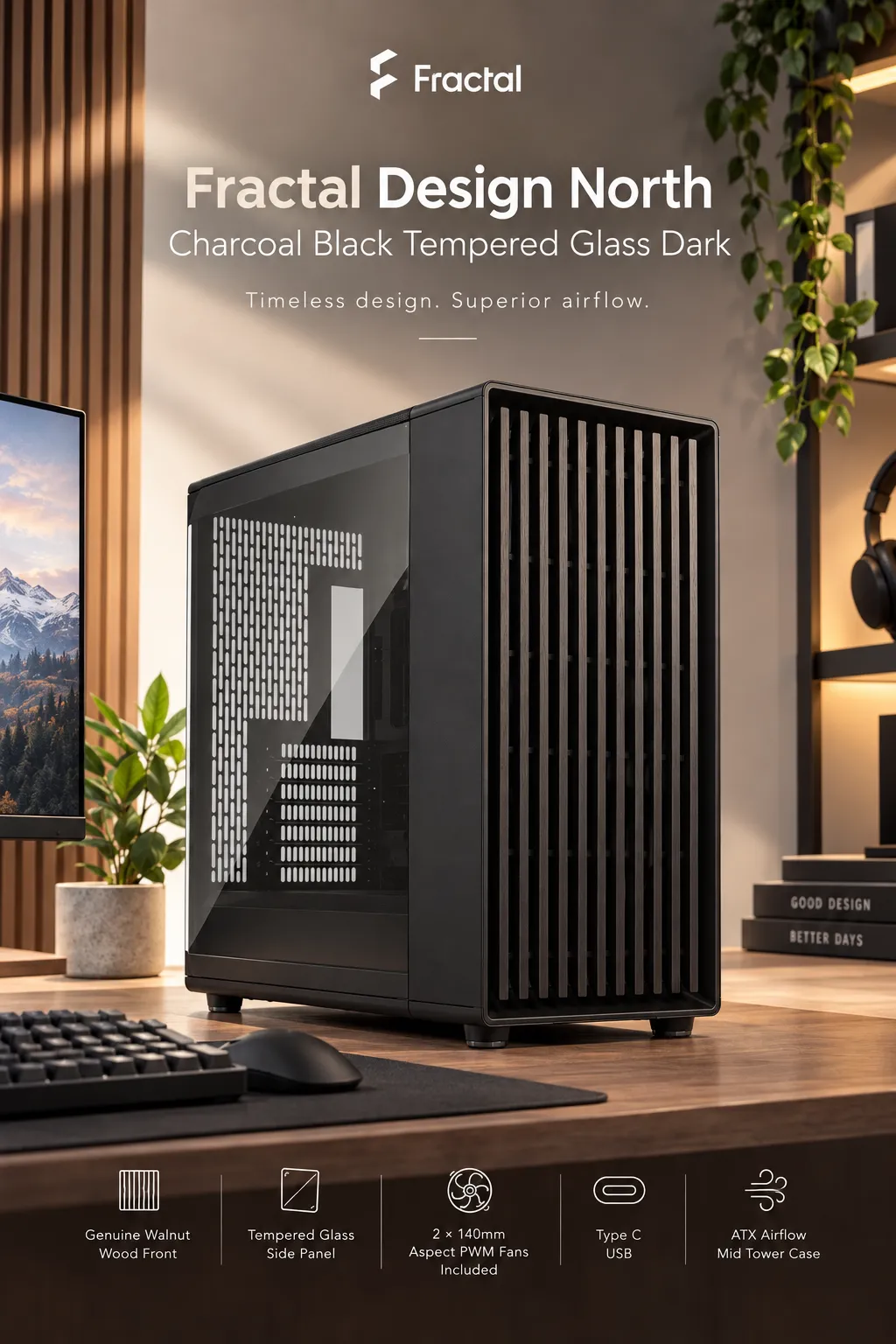
Against typical $150–$200 airflow cases, this one is stronger on materials and finish — real wood and tempered glass rather than plastic and mesh — and on included cooling hardware. Where competitors often do more: top radiator support (many rivals take 360 mm up top), maximum GPU length, and drive bay count. Some competing cases also include a rear exhaust fan or RGB, neither of which this has. You’re paying for looks, build quality and three good fans, and accepting tighter clearances than a plainer, boxier case of the same price would give you.
Is it worth the money?
Launch pricing was reported around $179 for the standard model, and retail listings I found ranged from roughly $180 to over $230 depending on seller. KitGuru reported a $179 launch price for the standard North Momentum. Prices and availability change constantly, so treat that as context, not a quote.
At around $180 with three quality 120 mm fans included, the value case is reasonable — you’re effectively paying a modest premium over a good plain airflow case for the wood front and the fan bundle. Above $200, it starts looking like you’re paying purely for aesthetics. If your GPU is near 350 mm or you’ve already bought a 360 mm AIO for the top, no price makes it the right case.
Pros and cons
Pros: three capable 120 mm fans included; genuine oak front with unobstructed intake; tool-less panels and captive thumbscrews; front, top and PSU dust filters; four total drive mounts; supports 360 mm front radiators; fully black inside and out.
Cons: top radiator capped at 240 mm; GPU limit drops to 300 mm with a front AIO; PSU length shrinks to 155 mm with both HDD trays fitted; no rear fan included; no bottom fan mounts; 30 mm cable space is adequate rather than generous.
Who it’s for — and who should skip it
Buy it if: your PC sits in view, you want airflow without a mesh-box look, you’re building a standard ATX or smaller system with a card under 355 mm, and you’d rather not shop for fans separately.
Skip it if: you’re running an oversized flagship GPU, you’re set on a 360 mm top-mounted AIO, you need lots of hard drive bays with a long PSU, you want RGB out of the box, or you’re building on a tight budget where a plain airflow case does the same thermal job for less.
Before you order, check
Your GPU length (with and without a front radiator), your cooler height against 170 mm, your PSU length against your drive plan, your motherboard size, whether you want to add a rear exhaust fan, the USB-C spec on the specific listing, and the warranty terms for your region.
Final verdict
What it does well: it delivers real airflow and genuinely nice materials in the same box, with three fans you’d otherwise pay for. Its biggest limitation is clearance — the 240 mm top radiator cap and the 300 mm GPU limit with a front AIO will disqualify some builds outright. It’s best for mid-range to upper-mid-range gaming and workstation builds that live on a desk in a room people actually use, and it’s the wrong choice for maximum-hardware enthusiast systems or budget-first builders.
If you’ve been stuck between a case that looks good and a case that breathes, this Fractal Design PC case is the specific compromise worth examining — check the current Amazon price and clearance specs against your parts list here before you commit.
Pricing, availability, and listing details on Amazon change frequently. Verify current specifications with the seller before purchasing.
