
Most standing desk shopping goes the same way. You measure the corner of the bedroom or the alcove where the desk has to live, then look at what’s for sale, and almost everything is 48 or 55 inches wide. The desks that do fit are usually cheap converters that sit on top of furniture you already own, wobble when you type, and eat the surface area they’re supposed to free up.
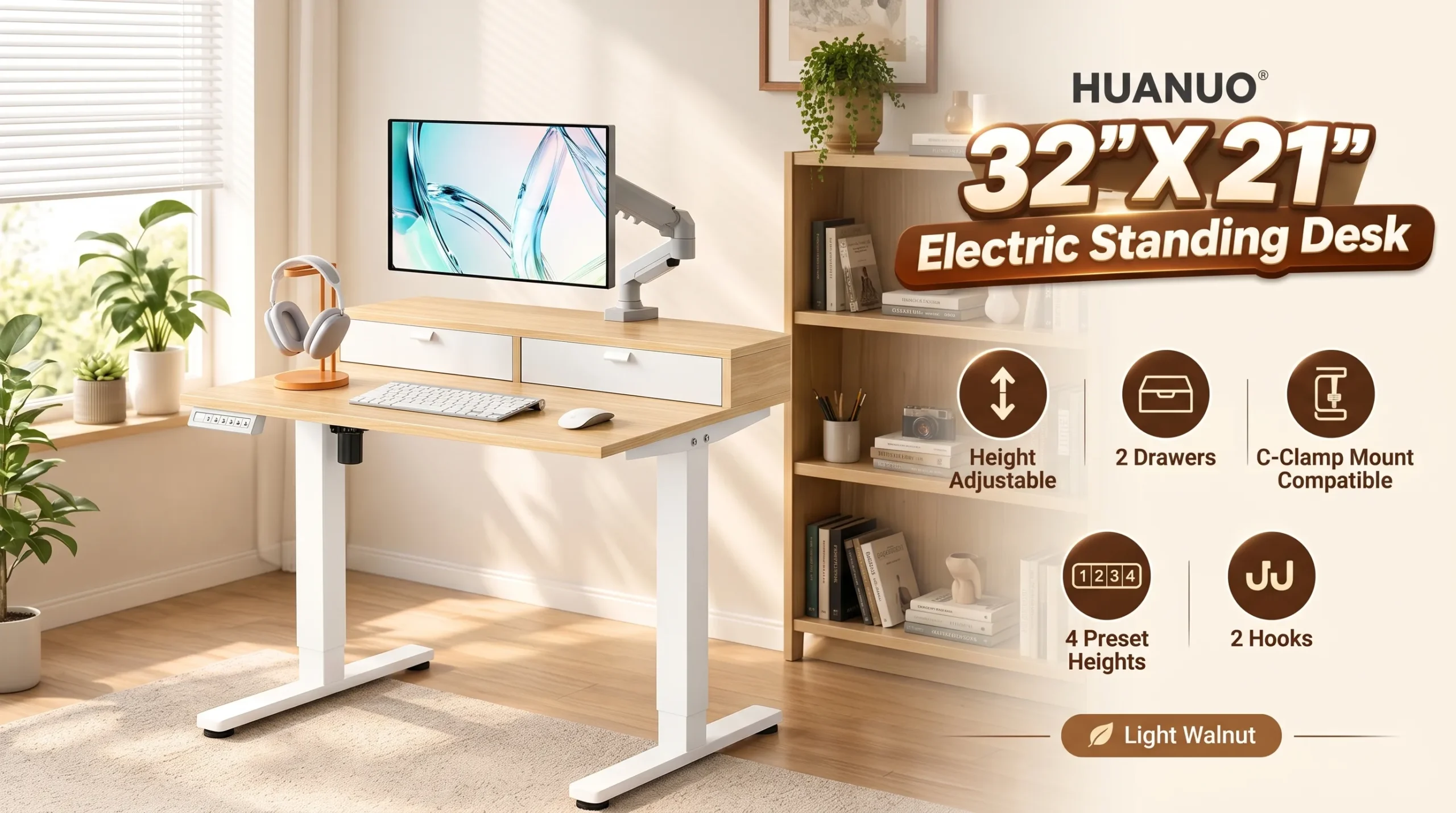
This HUANUO model is aimed squarely at that gap: a full motorized sit-stand desk in a footprint small enough for a dorm, a spare room, or the end of a hallway. If your table workstation setup is limited by square footage rather than budget, it’s worth understanding what this design gets right and where it asks you to compromise.
Full disclosure: this review is based on manufacturer and retailer specifications, not hands-on testing. Pricing and availability on Amazon change frequently.
The Problems This Desk Is Built Around
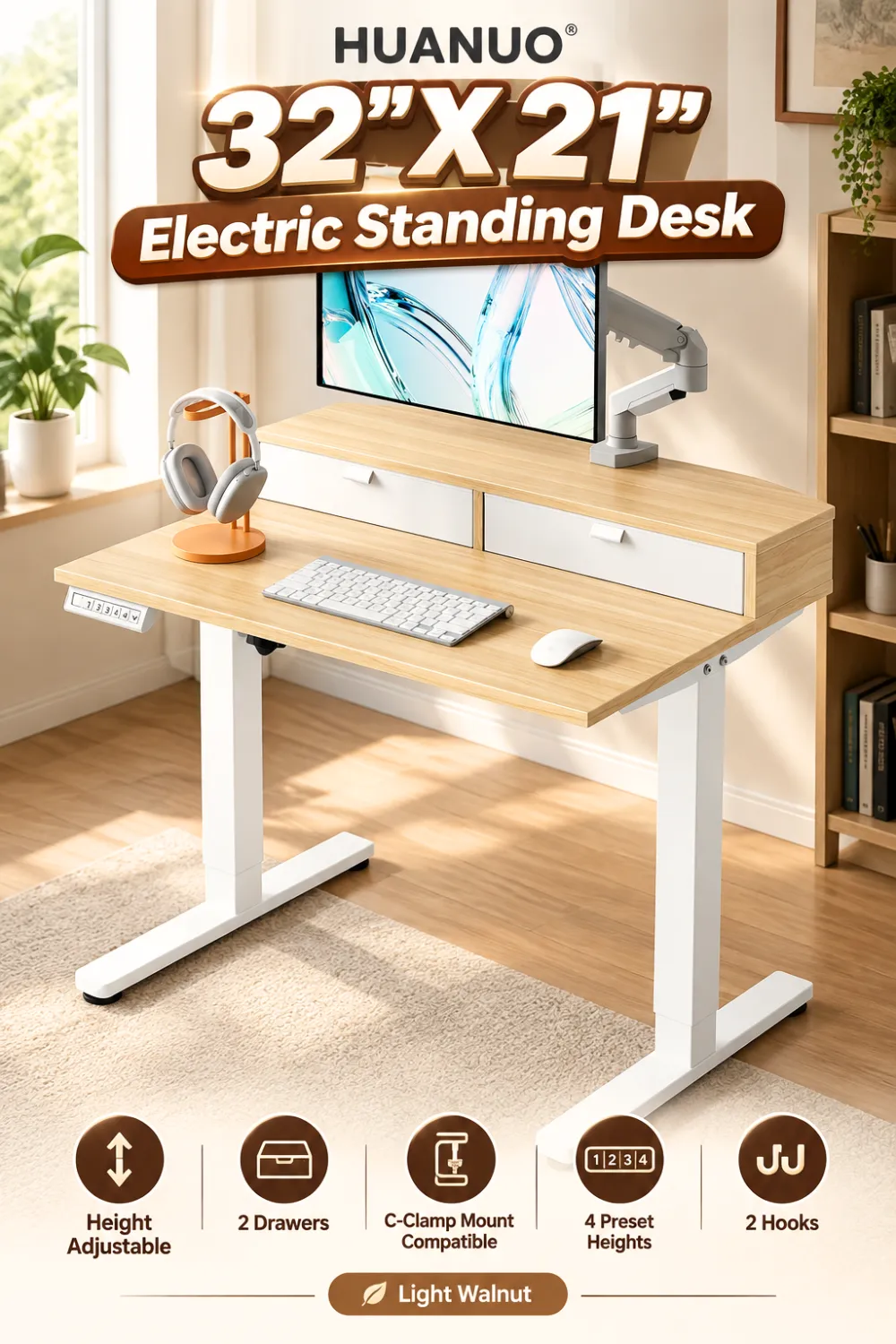
Small rooms force a choice between storage and workspace. Put a filing cabinet under a compact desk and your legs have nowhere to go. HUANUO’s answer is to move the storage upward instead of down: two drawers plus an open cubicle built into the desktop structure. Pens, chargers, and notebooks live in the drawers; the cubicle is sized for a keyboard and mouse to slide out of sight. Two side hooks handle a bag or headphones. Nothing under the desk means nothing blocking your knees.
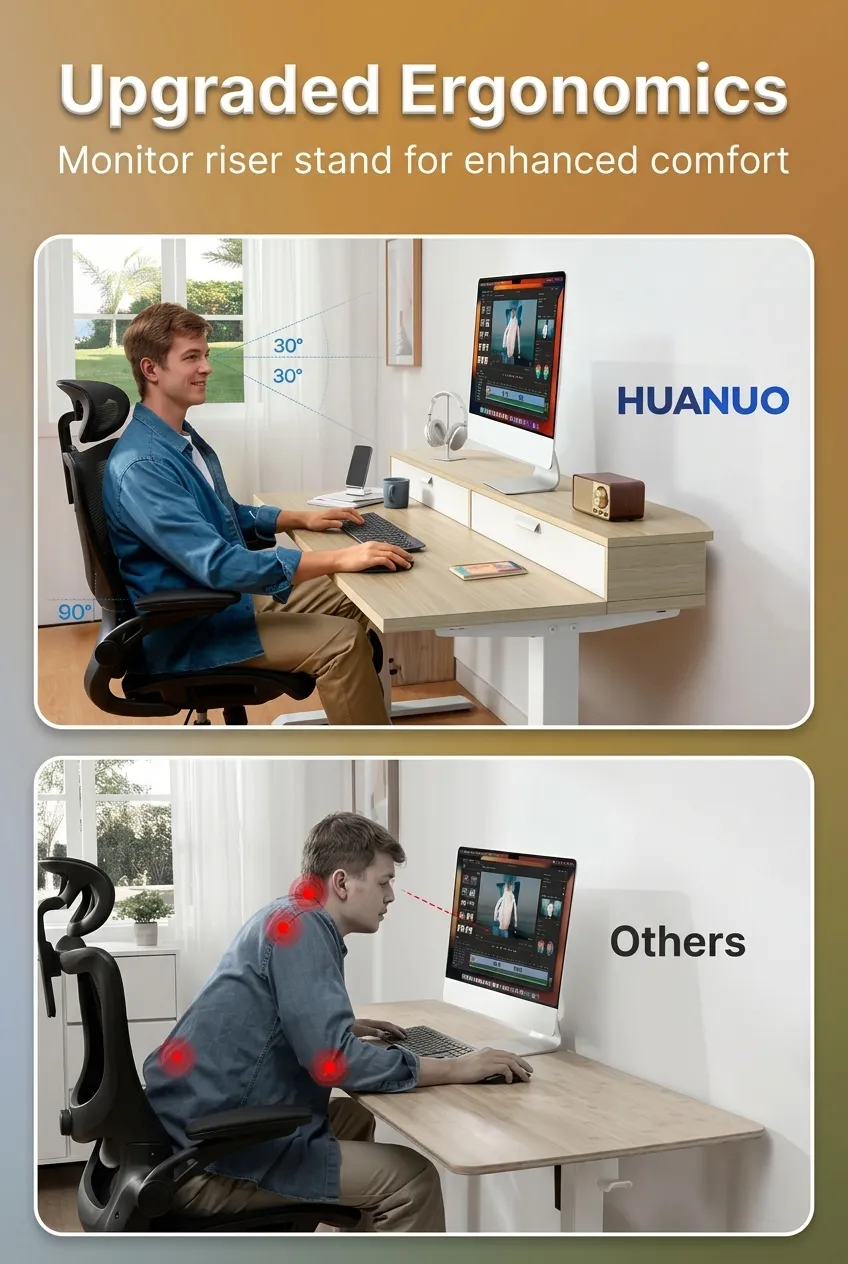
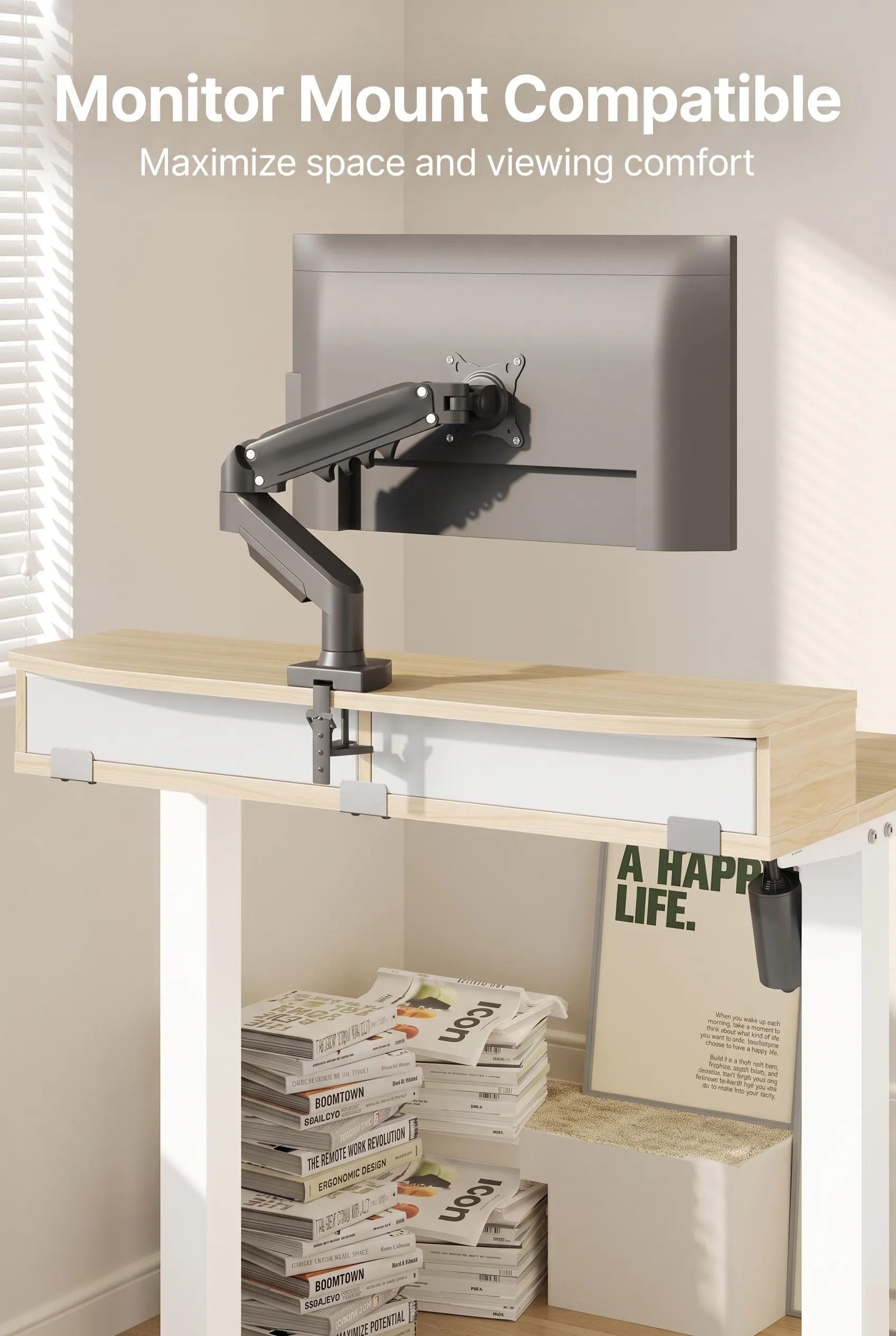
Monitor arms often don’t work on desks like this. Clamp-style mounts need a clean, flat rear lip, and plenty of budget desks don’t have one. This model includes a 2.6-inch extended rear edge specifically for C-clamp monitor mounts — a meaningful detail on a 21-inch-deep surface, because getting the monitor off the desktop is how you reclaim depth for your keyboard and forearms.
Manual crank desks kill the habit. If switching positions takes 30 seconds of cranking, most people stop doing it by week two. Electric adjustment with four programmable memory presets reduces that to one button press, which is the difference between a desk you actually stand at and one that’s permanently in sit mode.
What You’re Actually Getting
The working surface measures 31.5 inches wide by 20.9 inches deep, roughly 80 x 53 cm. The height range runs from 28.3 inches up to 46.5 inches (about 72–118 cm), which is a genuinely wide travel span — enough for a seated user around 5’2″ and a standing user in the 6’2″ range, though anyone at the far ends of that should check their own elbow height before ordering.

Construction is conventional for the price tier: a laminated engineered-wood top over a carbon steel frame, finished here in light walnut. One major retailer’s spec sheet lists a 176-pound maximum load, which is comfortably beyond what a dual-monitor setup plus a laptop weighs.
Key Features, Translated Into Buying Terms
The 31.5-inch top. Realistically, that’s one monitor up to about 27 inches, a keyboard, a mouse, and a coffee cup. A second monitor works if both are on a mount rather than on stands. Two 27-inch screens sitting directly on this desktop will fill it completely, and at 20.9 inches deep you’d be sitting closer to them than most people find comfortable. Treat this as a single-screen desk unless you’re mounting.
Four memory presets. More useful than it sounds if the desk is shared or if you alternate between typing and something that needs a different height, like sketching or a standing call setup. One-touch recall is what makes sit-stand a habit rather than a novelty.
Drawers and cubicle. The trade-off with integrated storage is that it occupies part of the desk’s structure, so the usable legroom and the usable top are both slightly reduced compared to a bare rectangular desktop of the same outer dimensions. Worth it if you have no other storage; unnecessary if you already own a cabinet.
Curved front edges. A minor ergonomic touch, but it matters more on a narrow desk where your forearms rest on the edge constantly.
How It Fits Real Setups
In a home office, this works best as a secondary or compact primary station — laptop plus external monitor, or a single large screen on an arm. For gaming, a 31.5-inch top is tight: a full-size mechanical keyboard plus a low-DPI mouse sweep will feel cramped, and you’d want a tenkeyless board. For students and apartment dwellers, the pitch is strongest — this is a complete workstation that doesn’t demand a dedicated room.
Assembly on electric desks of this type generally means attaching legs to a preassembled top, connecting the control box, and plugging in. Expect a two-person lift for the frame-and-top stage. This is not a portable desk; once built, it stays where you put it.
Where It Stands Against the Alternatives
Compared to a desktop converter, you get a stable single structure, a proper height range down to seated level, and no stacking your riser on an existing table. Converters win on price and on not replacing furniture you already own.
Compared to a standard 48-inch electric desk, you’re giving up roughly a third of the work surface. That’s the whole bargain. If your room can take 48 inches, a wider desk with an under-desk drawer unit will usually give you more usable space for similar money.
Compared to compact non-electric desks, you’re paying for the motor and the presets. Whether that’s worth it depends entirely on how seriously you intend to stand.
Pros and Cons
Pros
- Genuinely small footprint for a full electric sit-stand desk
- Wide 28.3″–46.5″ height range covers most body sizes
- Built-in storage without sacrificing legroom
- Purpose-built rear edge for C-clamp monitor mounts
- Four presets make position switching frictionless
Cons
- 20.9-inch depth is shallow; a monitor arm is close to mandatory
- Laminated particleboard top is standard at this tier, not premium
- Integrated drawers reduce flexibility versus a plain desktop
- Single-motor compact desks generally lift more slowly than dual-motor full-size models
- Not something you’ll move around easily
Who It’s For, and Who Should Look Elsewhere
Buy it if your constraint is space, you work primarily on one screen, and you want storage built in. Renters, students, and anyone converting a bedroom corner are the natural audience.
Look elsewhere if you run a multi-monitor setup on stands, need a large surface for drawing or paperwork, are unusually tall or short (check the range against your own measurements first), or already have a desk you like — a converter will cost less and solve the standing problem adequately.
Before You Order
Measure your actual usable width, not just the wall. Add clearance for cable runs behind the desk and for the drawers to open. Confirm your monitor mount is C-clamp compatible and that its jaw opens wide enough for this desktop’s thickness. And check your own seated elbow height against 28.3 inches — that’s the floor, and it won’t go lower.
Is the Price Justified?
Compact electric desks typically cost close to what full-size ones do, because the motor and control electronics don’t get cheaper when the top gets smaller. You’re paying for fit, not for surface area. If space is what’s blocking you from owning a standing desk, that’s a fair trade. If you have room for a wider desk, the value math tips the other way. Verify current pricing on Amazon before deciding, since listings move.
Final Verdict
This is a well-considered answer to a specific problem: a real motorized sit-stand desk with storage, in a footprint that fits where full-size desks don’t. Its biggest limitation is depth — at under 21 inches, your monitor placement is basically decided for you, and you should budget for a mount. Within those bounds, the spec sheet holds together sensibly, with a wide height range, useful presets, and a rear edge designed for the mounting hardware you’ll need anyway.
If your room has been the reason you’re still sitting all day, this is the kind of desk that removes the excuse. Check the current listing and compare the dimensions against your space before you commit.
