
If you’ve been scrolling through case options trying to find something that doesn’t look like every other black rectangle on the market, you already know the problem. Most “gaming” cases either go overboard with RGB or play it so safe they end up boring. Finding a pc case black and green that actually looks intentional — not like a random color swap — is harder than it should be.
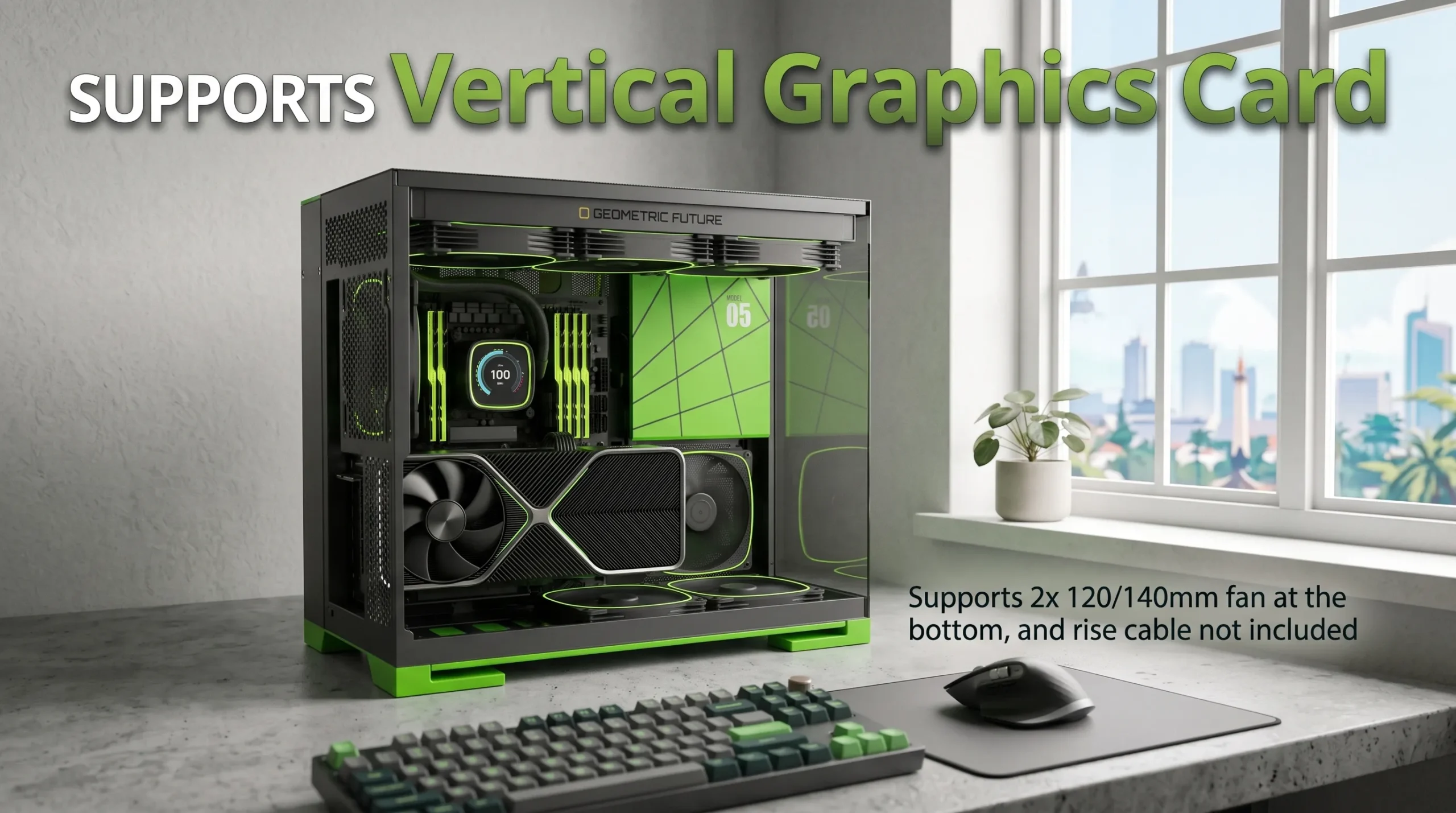
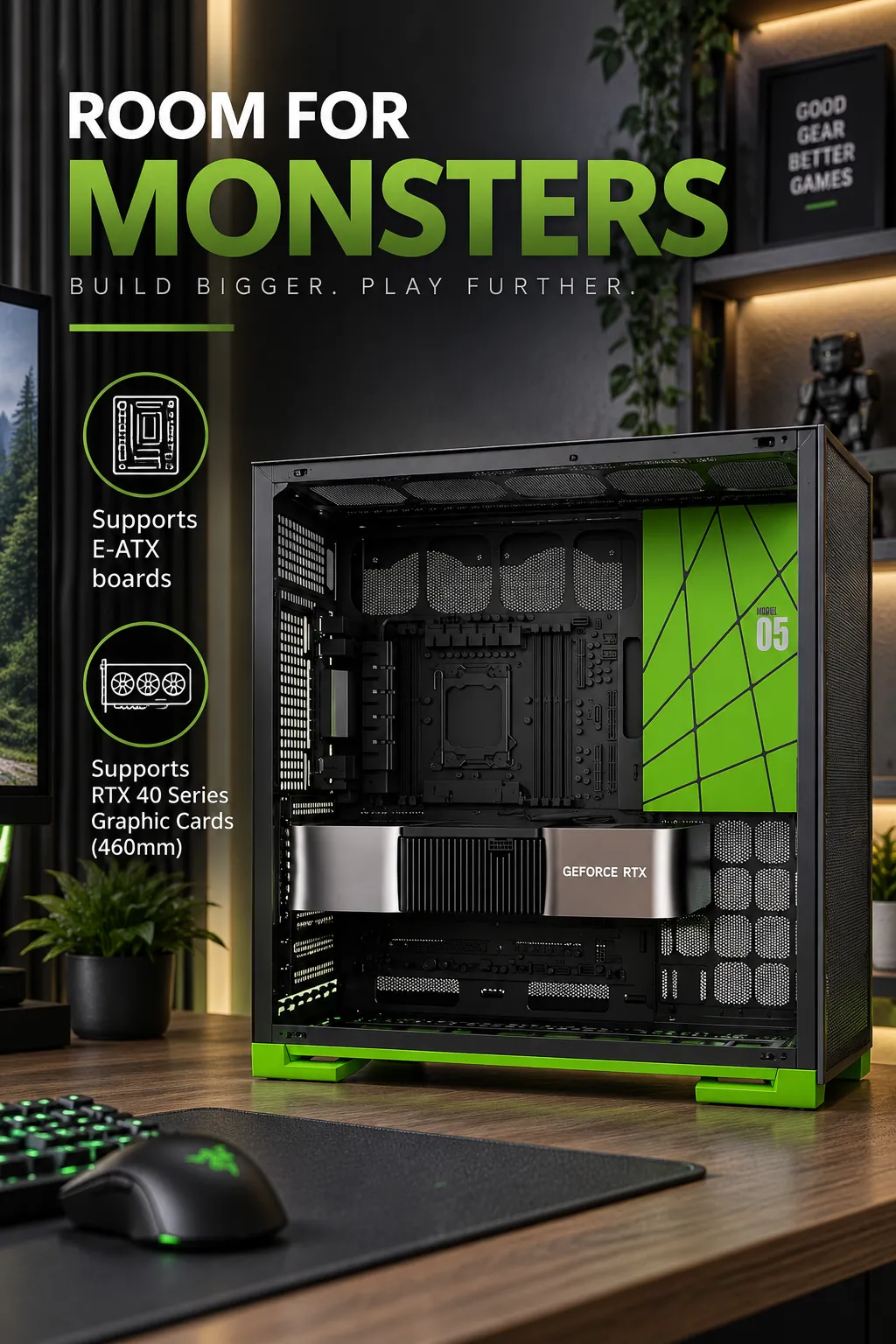
That’s the gap the Geometric Future M5 (GEO-M5F-BNY) is aiming to fill. It’s a mid-tower E-ATX/ATX case with a black chassis and green accents, tempered glass panel, and five pre-installed ARGB fans. Based on the listed specs, it’s built for people who want a distinctive pc case design green without sacrificing airflow, radiator support, or build flexibility.
Problems This Case Actually Solves
You want color without commitment. A lot of colored cases go all-in — full green panels, colored glass, the works — which can look dated fast. The M5’s black-and-green scheme keeps green as an accent rather than the dominant color, so the build reads as “designed” rather than “themed.”
You’re building a high-airflow rig but don’t want to buy fans separately. Five ARGB PWM 140mm fans come pre-installed according to the listing. That’s a real cost and time savings for anyone who’d otherwise be sourcing and wiring fans one at a time.
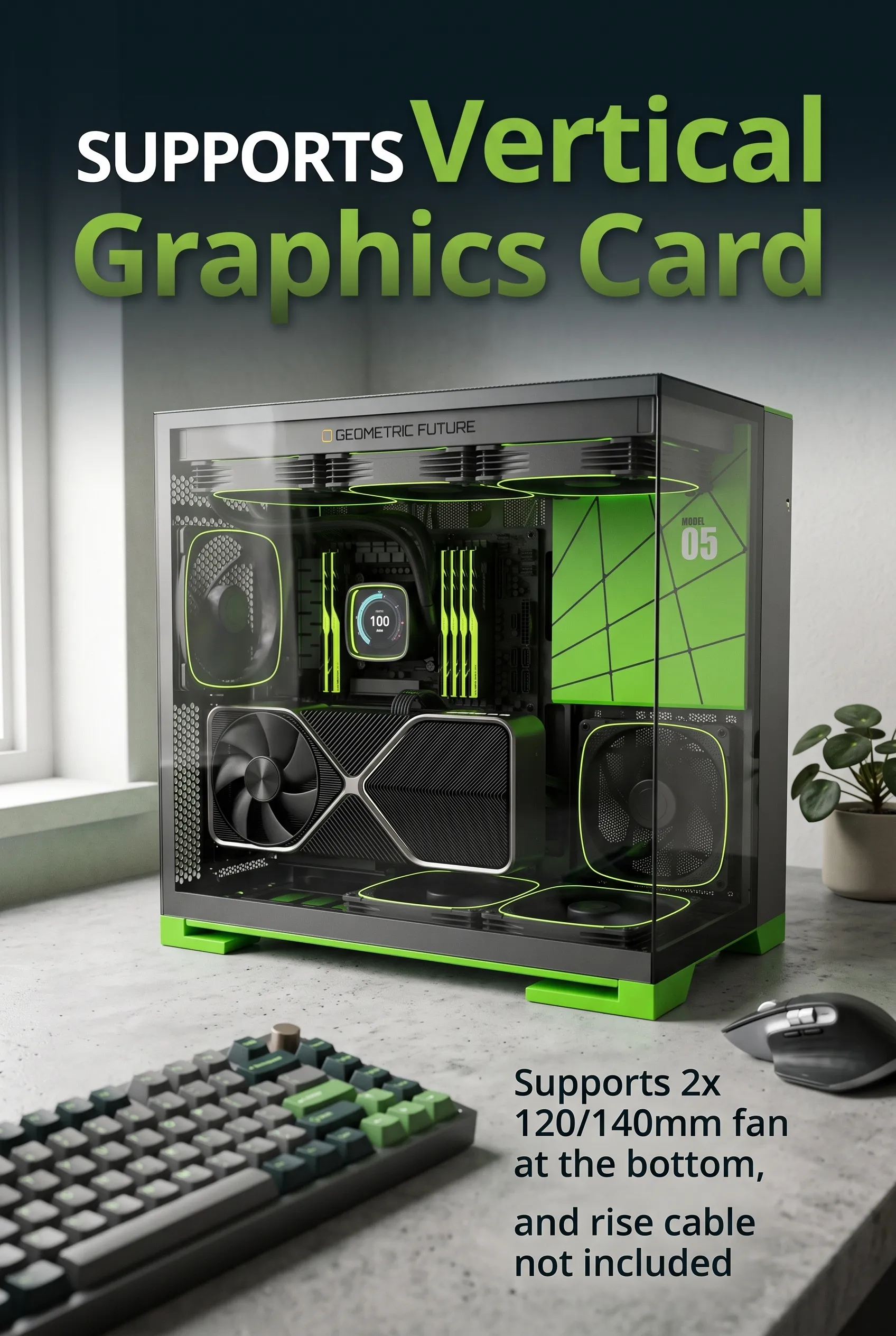
You’re planning water cooling down the line. With support for a 420mm radiator up top and a 360mm option at the bottom (per Newegg’s published spec sheet for this case), there’s room to add an AIO or custom loop later without needing a different case.
You hate dealing with screws for basic maintenance. Toolless panel removal means getting into the case for cable management, dusting, or upgrades doesn’t require a screwdriver every time.
You’re running a large motherboard or GPU. Support for E-ATX boards and a listed max GPU length of 460mm (based on the manufacturer’s spec sheet for this case series) gives you headroom that a lot of budget mid-towers don’t offer.
What This Case Actually Is
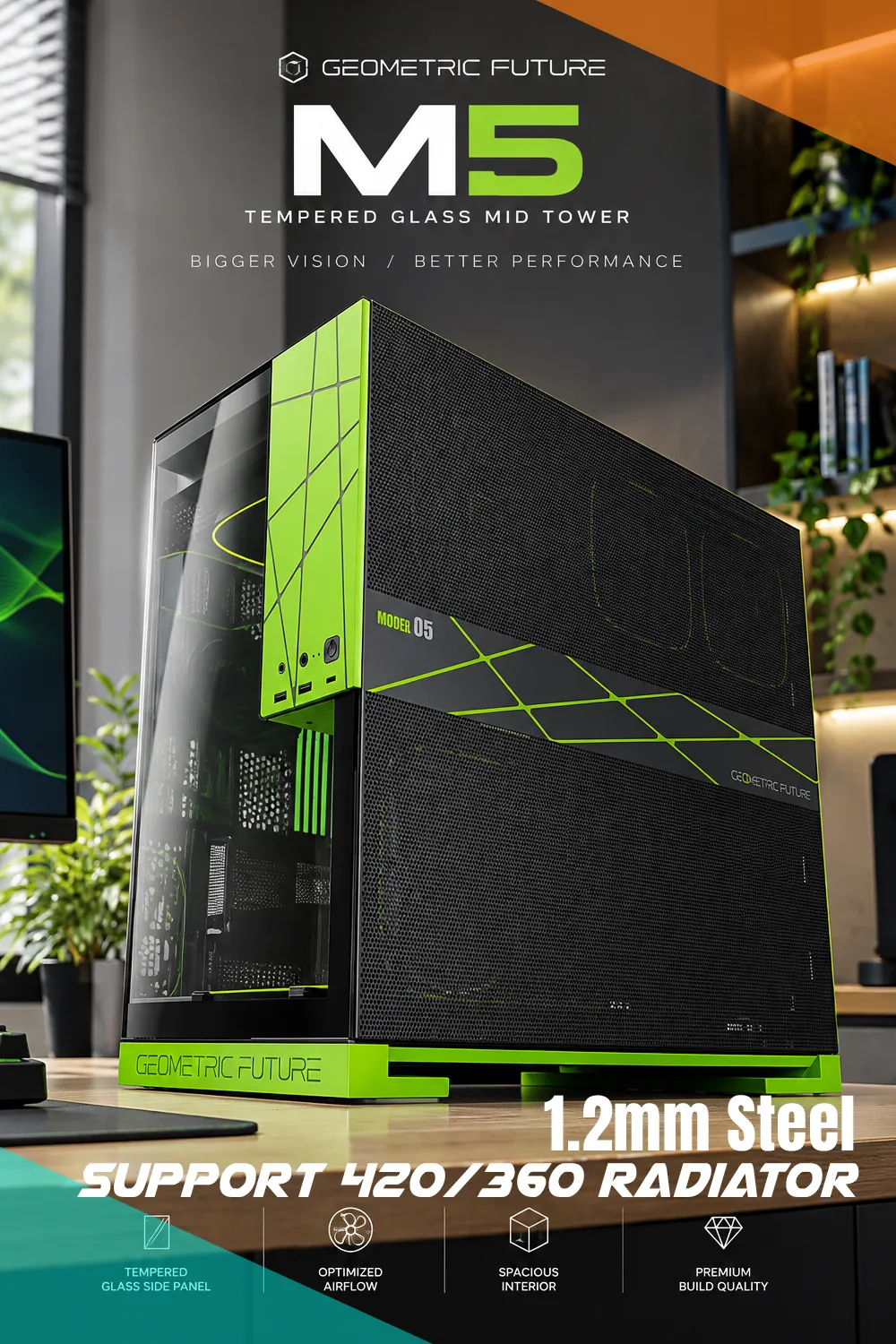
The M5 is a steel-and-glass mid-tower case built around a dual-chamber layout, according to Geometric Future’s product listings. The main chassis uses 1.2mm steel — noticeably thicker than the 0.6–0.8mm steel you’ll find on a lot of budget cases, which should translate to less flex and a sturdier feel when you’re installing components.
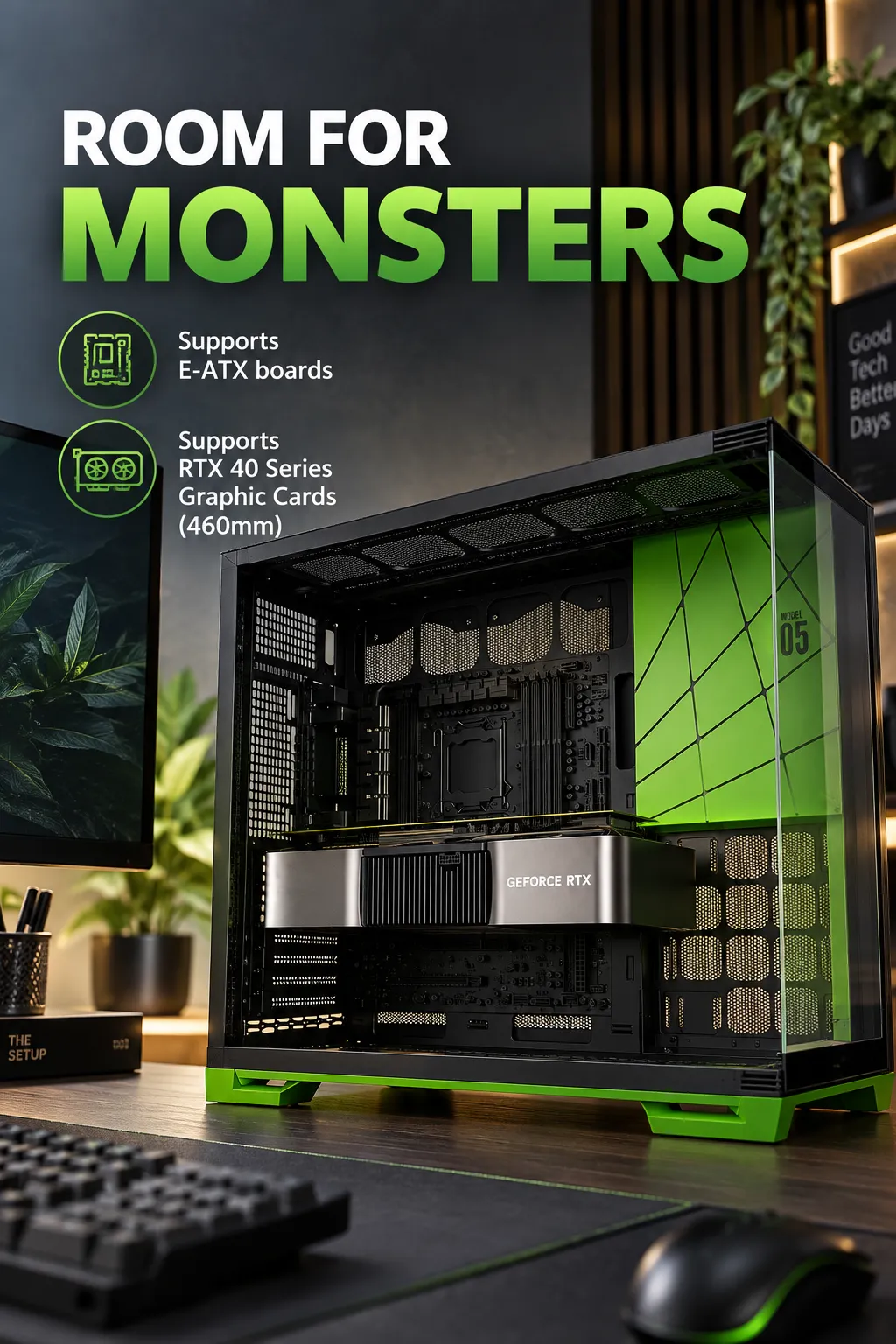
The front includes a USB Type-C port, which matters more than it used to now that Type-C peripherals and drives are standard on most current motherboards and devices.
This is a case built for people assembling a full gaming or workstation PC who care about aesthetics as much as function — not a minimalist office build, and not an ultra-compact SFF case.
Key Features That Actually Matter
1.2mm Steel Frame
Thicker steel means a more rigid chassis. In practical terms, that’s less panel flex, quieter operation (less vibration-induced rattle), and a chassis that holds its shape over years of use. Builders working with heavier components — larger coolers, multiple drives, bigger GPUs — benefit most from this.
Five Pre-Installed ARGB PWM Fans
According to the listing, the case ships with five 140mm ARGB fans already mounted. PWM control means the fans can ramp speed based on system temperature rather than running at a fixed speed, which helps balance noise and cooling. For anyone assembling a first build, this removes a step that trips up a lot of beginners: fan placement and wiring.
420mm/360mm Radiator Support
The published spec sheet lists top support up to 420mm and rear support up to 140mm, plus a bottom mount for a 360mm radiator. That’s enough flexibility for anything from a basic 240mm AIO to a serious custom loop, which matters if you’re planning to upgrade cooling later rather than buying everything at once.
Toolless Panel Design
Side panels and other access points are designed to come off without tools. This is mostly a convenience feature, but it’s a meaningful one if you tend to open your case often for cleaning, cable adjustments, or component swaps.
Type-C Front I/O
A front-panel Type-C port isn’t universal on cases in this price range, so its inclusion here is a genuine step up in usability, particularly for people connecting modern peripherals or fast external drives.
Max GPU Length of 460mm
Based on the manufacturer’s listed specs for this case line, 460mm of GPU clearance covers the vast majority of current graphics cards, including most large flagship models. Builders with unusually long cards should still double-check exact dimensions against their specific GPU.
Questions Careful Buyers Are Asking
Does it support E-ATX motherboards?
Yes — the listing specifies E-ATX/ATX compatibility, so full-size boards should fit.
Can it handle a 420mm radiator?
According to the spec sheet, yes, in the top mount position. Rear and bottom positions support smaller radiators.
Will my GPU fit?
Up to 460mm based on the listed specs. Anything longer should be measured against the case’s actual internal clearance before buying, since GPU coolers vary a lot in length.
Is assembly difficult?
The toolless panel design should make general access easier, but full PC assembly still requires standard building know-how. I couldn’t verify an exact assembly time or difficulty rating from the listing.
How’s cable management?
The dual-chamber design suggested in Geometric Future’s product descriptions typically separates the motherboard tray from the PSU and cable routing area, which usually helps keep cable management cleaner — though exact routing options aren’t detailed in the available listing.
Does it come with a power supply?
Nothing in the listing indicates a PSU is included. Buyers should plan to purchase one separately.
Is this case loud?
PWM fans allow speed control based on load, which should help keep idle noise low, but actual noise levels weren’t specified in the listing and haven’t been independently verified here.
Quality and How It Stacks Up
Against other cases in a similar price bracket, the M5’s 1.2mm steel and five pre-installed fans stand out — many competing cases at this price point include only two or three fans, if any, and often use thinner steel. The dual-chamber layout and Type-C front port also put it ahead of more basic mid-towers.
Where it may fall short compared to premium cases: features like tool-free PCIe slot covers, integrated fan/RGB hub software, or additional storage bays aren’t confirmed in the available specs. If those matter to you, it’s worth checking the full spec sheet before buying.
Is It Worth the Price?
Newegg listings for this case series have shown pricing in the $109 to $160 range depending on configuration and retailer, though pricing on Amazon may differ and can change over time — check the current listing for accurate figures. At that range, getting five fans, thick steel, and solid radiator support pre-installed represents reasonable value, since separately purchasing five quality ARGB fans alone often costs a meaningful chunk of that price.
For builders who’d otherwise spend extra time and money assembling fans, cooling support, and a distinct look piece by piece, this case does a lot of that work upfront.
Pros and Cons
Pros:
- Distinctive black and green color scheme without being overdone
- 1.2mm steel construction for added rigidity
- Five ARGB PWM fans pre-installed
- Supports up to a 420mm radiator
- E-ATX motherboard compatibility
- Front Type-C port
- Toolless panel access
Cons:
- No power supply included
- Detailed noise-level and cable management specifics aren’t independently confirmed
- Green accent may not suit builders wanting a fully neutral aesthetic
Who Should Buy This
This case makes the most sense for builders assembling a full-size gaming or high-performance PC who want visual identity without going full RGB overload. It’s a good fit for E-ATX builds, anyone planning water cooling now or later, and first-time builders who’d rather not source fans separately.
Who Should Consider Something Else
If you’re building a small form factor PC, this isn’t it — the M5 is a full mid-tower, not a compact case. Buyers who want a completely neutral, no-color chassis should also look elsewhere, since the green accent is a defining part of this model’s identity. And if budget is the top priority, more stripped-down cases without pre-installed fans will run cheaper.
Buying Checklist
Before ordering, confirm your GPU length against the case’s actual clearance, check that your cooler height fits your case size, verify your motherboard form factor, and separately budget for a power supply if you don’t already have one.
Final Verdict
The Geometric Future M5 does two things particularly well: it delivers a genuinely distinctive pc case design green aesthetic, and it front-loads a lot of value with five installed fans and solid radiator support. Its biggest limitation is the lack of independently confirmed details on things like acoustics and cable routing beyond the manufacturer’s own listing.
It’s best suited for builders who want a case with personality and functional cooling headroom without piecing everything together themselves. If you want a case that fades into the background, this isn’t your pick — but if this sounds like the build you’re trying to put together, it’s worth checking the current Amazon price and availability to see how it fits your setup.

The author of RigRamp.com has been managing and developing the website since 2015, with a strong background in online marketing and affiliate programs across various marketplaces. With a passion for technology, the author enjoys exploring the latest tech products, discovering useful digital tools, and following trends in the online industry.