
Looking for a Laptop Docking Station Dual Monitor? See how MOKiN’s 4K HDMI USB‑C hub stacks up for Dell, HP, and Mac—plus key features, limitations, and who should buy it.
Introduction
If your laptop only has one or two USB‑C ports but you need dual external displays, Ethernet, and extra USB slots, a docking station can turn a thin notebook into a proper workstation. The MOKiN Laptop Docking Station Dual Monitor 4K HDMI USB C Hub is built exactly for that scenario, targeting popular brands like Dell, HP, and Mac with a multiport adapter that emphasizes video output and everyday connectivity.
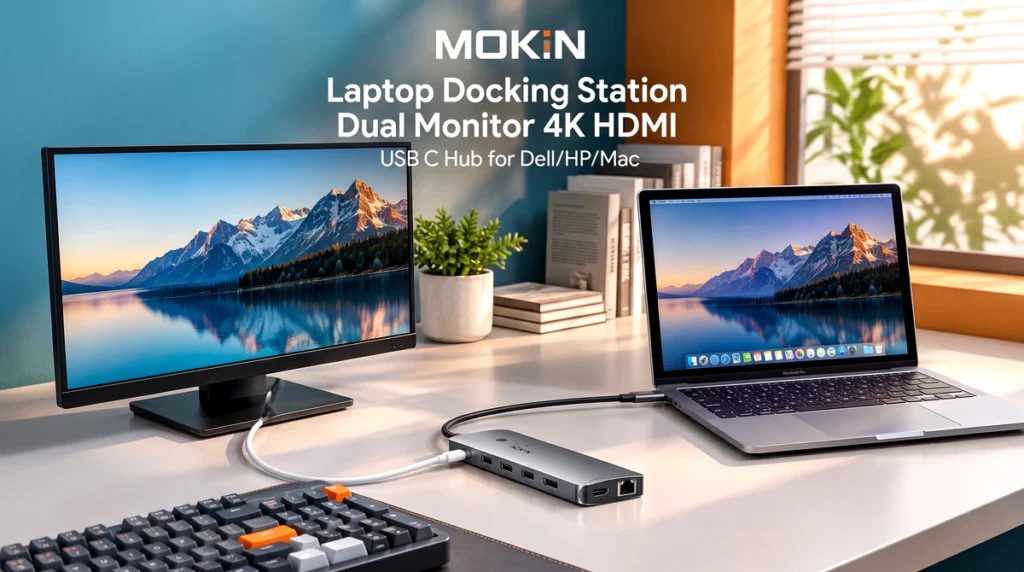
This review breaks down what the dock offers, where it shines, and the practical limitations you should know before buying—so you can decide if it fits your setup without guesswork.
Quick Verdict
The MOKiN Laptop Docking Station Dual Monitor is a solid choice for users who want two 4K HDMI outputs, fast USB data ports, Ethernet, and 100W power delivery in a single USB‑C connection. It’s especially useful for hybrid workers, content creators, and anyone juggling multiple peripherals. Just keep in mind that maximum video resolution and refresh rates depend on your laptop’s USB‑C/Thunderbolt capabilities and display specs.
Disclosure: As an Amazon Associate and AliExpress affiliate, I may earn from qualifying purchases made through links on this page.
Product Overview
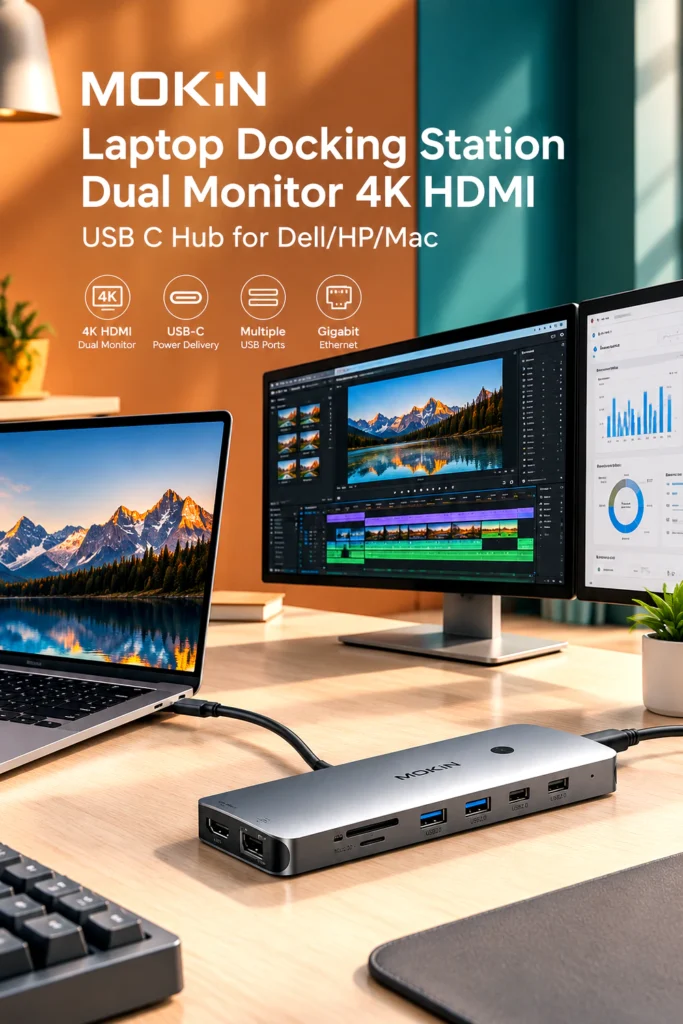

MOKiN’s docking station is a multiport USB‑C hub designed to expand a single USB‑C (or Thunderbolt 3/4) port into several essential connections. The focus here is dual‑monitor support via HDMI, alongside high‑speed USB ports, wired networking, and pass‑through charging—making it a practical all‑in‑one solution for modern laptops that lack legacy ports.
The product listing emphasizes compatibility with mainstream brands (Dell, HP, Mac) and positions the dock as a plug‑and‑play accessory for users who want a cleaner desk setup without sacrificing performance.
Key Specifications & Features
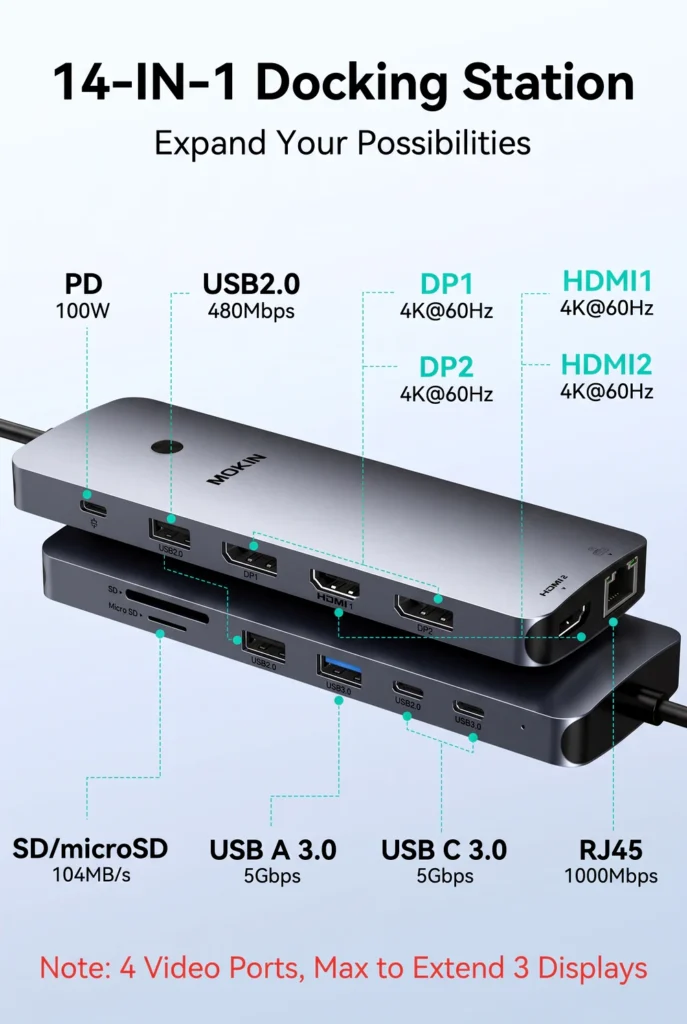

Based on available product information for this MOKiN model, key specs and features typically include:
- Dual HDMI video outputs supporting up to 4K resolution (exact refresh rate depends on source and display capabilities; some configurations list 4K@60Hz on one HDMI and 4K@30Hz on the other under certain conditions).
- USB‑C power delivery up to 100W for charging compatible laptops while using the dock.
- Multiple high‑speed USB ports (USB‑A and USB‑C), with some models offering 10Gbps data rates on select ports.
- Gigabit or 2.5Gbps Ethernet for stable wired internet.
- SD and microSD card readers for quick media transfers.
- 3.5mm audio jack for headphones or speakers (on many MOKiN docks in this category).
Note: Exact port count and speed ratings can vary by specific variant. Always confirm the precise port layout and video specs on the product page before purchasing.
Design & Build Quality
MOKiN docking stations in this class generally feature a compact, rectangular aluminum or metal‑look housing with a non‑slip base and clear port labeling. The design prioritizes desk stability and heat dissipation, which matters when you’re running multiple displays and peripherals through one hub.
Cable management is usually straightforward: a single USB‑C host cable connects to your laptop, while the dock itself stays anchored near your monitors and peripherals. Expect a utilitarian, professional aesthetic rather than flashy styling—appropriate for home offices and corporate environments alike.
Practical Use & Performance
Dual‑Monitor Setup
The main draw of this Laptop Docking Station Dual Monitor is the ability to drive two external displays over HDMI. In typical use, you can extend your desktop across both screens or mirror them, depending on your OS settings. For productivity tasks—spreadsheets, coding, design work, or research—this extra screen real estate is a genuine workflow upgrade.


Keep in mind that achieving 4K at higher refresh rates depends on your laptop’s USB‑C/Thunderbolt version, GPU output, and the monitors’ capabilities. Some configurations support 4K@60Hz on one HDMI and 4K@30Hz on the other; others may cap both at 30Hz under certain conditions. If you’re a gamer or need ultra‑smooth motion, verify the exact HDMI specs for your setup.
Data Transfer & Networking
High‑speed USB ports (including USB‑C and USB‑A) let you connect external SSDs, card readers, webcams, and more without bottlenecks. Ethernet adds reliability for video calls, large uploads, or situations where Wi‑Fi is congested. For professionals who depend on stable connections, wired networking via the dock is a meaningful quality‑of‑life improvement.
Power Delivery
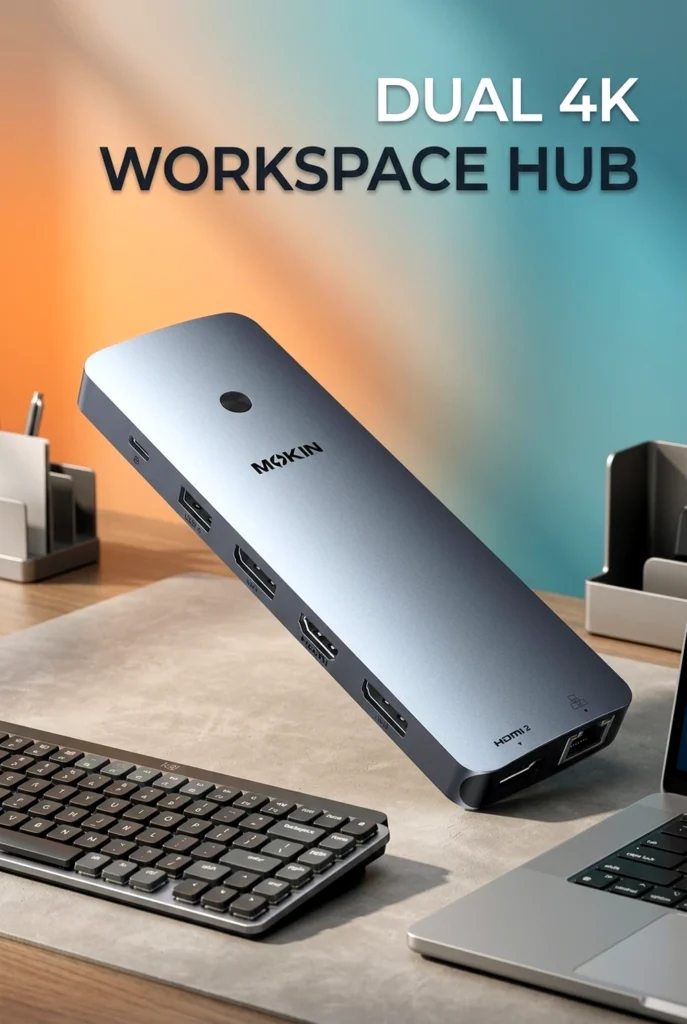
With up to 100W USB‑C PD, the dock can charge many laptops while in use, reducing cable clutter. This is particularly helpful for USB‑C–only notebooks that rely on a single port for both data and power. Just ensure your laptop’s power requirements align with the dock’s PD rating for optimal charging performance.
Benefits & Potential Drawbacks
Benefits
- Turns one USB‑C port into multiple essential connections, including dual HDMI, USB‑A/C, Ethernet, and card readers.
- Enables a cleaner, more organized workstation by consolidating peripherals through a single hub.
- 100W power delivery helps keep compatible laptops charged during heavy use.
- Broad compatibility with popular brands (Dell, HP, Mac) makes it a versatile pick for mixed‑environment households or offices.
Potential Drawbacks
- Maximum video resolution and refresh rate depend heavily on your laptop’s USB‑C/Thunderbolt capabilities and your monitors’ specs.
- Some variants may require driver installation for certain features (e.g., secondary HDMI output on specific OS configurations).
- As with many multiport hubs, sustained heavy loads across all ports may generate noticeable heat—normal for this category but worth noting for long sessions.
Customer Feedback
Publicly available feedback for MOKiN docking stations in this category often highlights ease of setup, effective dual‑monitor functionality, and good value for the number of ports provided. Users commonly appreciate the convenience of consolidating peripherals and the stability of wired Ethernet.
At the same time, some customers report mixed experiences regarding power delivery sufficiency for higher‑wattage laptops and occasional connectivity hiccups under heavy multi‑device use. Durability perceptions vary, with some users noting long‑term reliability and others encountering issues within months. As with any electronics purchase, individual results can differ based on usage patterns and specific laptop/display combinations.
Pros & Cons

Pros
- Dual HDMI outputs for multi‑monitor productivity.
- High‑speed USB‑A and USB‑C ports for fast data transfer.
- 100W USB‑C power delivery to charge compatible laptops.
- Ethernet port for stable wired networking.
- SD/microSD card readers for quick media access.
- Broad compatibility with Dell, HP, and Mac laptops.
Cons
- Video performance (resolution/refresh rate) depends on host laptop and display capabilities.
- Some features may require drivers on certain systems.
- Heat buildup possible under sustained multi‑port loads.
- Power delivery may not meet the needs of all high‑performance laptops.
Who Should Buy It / Who May Want to Skip It
Buy It If:
- You need a Laptop Docking Station Dual Monitor to run two external displays from a single USB‑C port.
- Your workflow benefits from extra USB ports, Ethernet, and card readers without carrying multiple adapters.
- You use a Dell, HP, or Mac laptop with USB‑C/Thunderbolt and want a cleaner desk setup.
Skip It If:
- You require guaranteed 4K@60Hz on both HDMI outputs regardless of laptop specs—verify exact video capabilities for your hardware first.
- Your laptop needs more than 100W for optimal charging under load.
- You prefer docks with extensive driver‑free support across all features on every OS configuration.
Final Verdict
The MOKiN Laptop Docking Station Dual Monitor 4K HDMI USB C Hub delivers a practical, multiport solution for users who want to expand a modern laptop into a full workstation. With dual HDMI outputs, high‑speed USB connectivity, Ethernet, and 100W power delivery, it addresses the most common pain points for remote workers, creators, and power users.
Its real‑world performance will depend on your laptop’s USB‑C/Thunderbolt capabilities and your monitors’ specs, so double‑check compatibility details before buying. If your setup aligns with the dock’s capabilities, it’s a strong candidate for a tidy, productive desk.
Ready to see if this dock fits your setup? Check the latest price, availability, detailed specifications, and current customer reviews on the product page to confirm compatibility with your laptop and monitors before you buy.

The author of RigRamp.com has been managing and developing the website since 2015, with a strong background in online marketing and affiliate programs across various marketplaces. With a passion for technology, the author enjoys exploring the latest tech products, discovering useful digital tools, and following trends in the online industry.
