
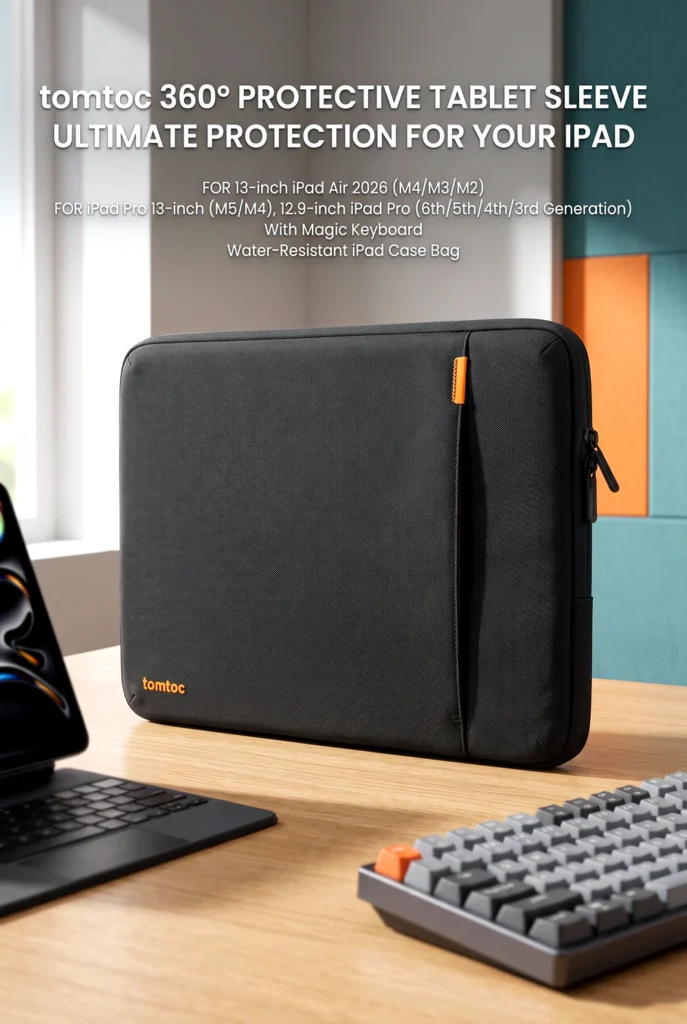
You finally get a 13-inch iPad with a Magic Keyboard attached, and then you realize how awkward it is to carry. It’s too bulky for a thin envelope-style pouch, and tossing it loose into a backpack with a laptop charger feels like asking for scratches. A well-fitted iPad tablet sleeve is meant to solve exactly that, and this review looks at whether the tomtoc 360° Protective Tablet Sleeve fits the job for the iPad Air 13-inch (M4/M3/M2), iPad Pro 13-inch (M5/M4), and the 12.9-inch iPad Pro (6th through 3rd generation) with Magic Keyboard.


This guide is for people who carry their iPad between home, work, school, or coffee shops and want a straightforward look at what the sleeve offers, where it may fall short, and what to confirm before buying.
This article may contain affiliate links to Amazon and AliExpress. If you purchase through one of these links, I may earn a commission at no extra cost to you. That doesn’t change how I evaluate a product or guarantee a positive verdict.
The Right iPad Tablet Sleeve: Overview and Buying Context
Common problems and the product’s solution
Three problems come up again and again with this kind of product.
The first is fit. Many sleeves are sized for a bare tablet, so they don’t work once a keyboard case is attached. This tomtoc model is listed as compatible with the iPad models above when used with the Magic Keyboard, which speaks directly to that issue. Still, “listed as compatible” and “fits comfortably with your exact setup” aren’t always the same thing, so I’ll come back to that.
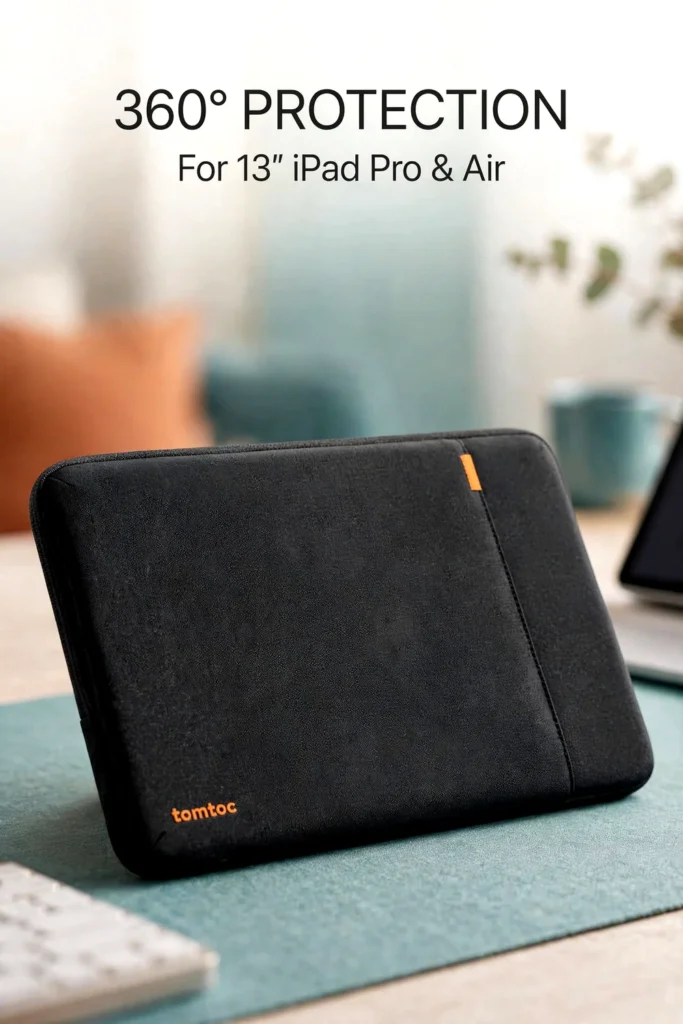

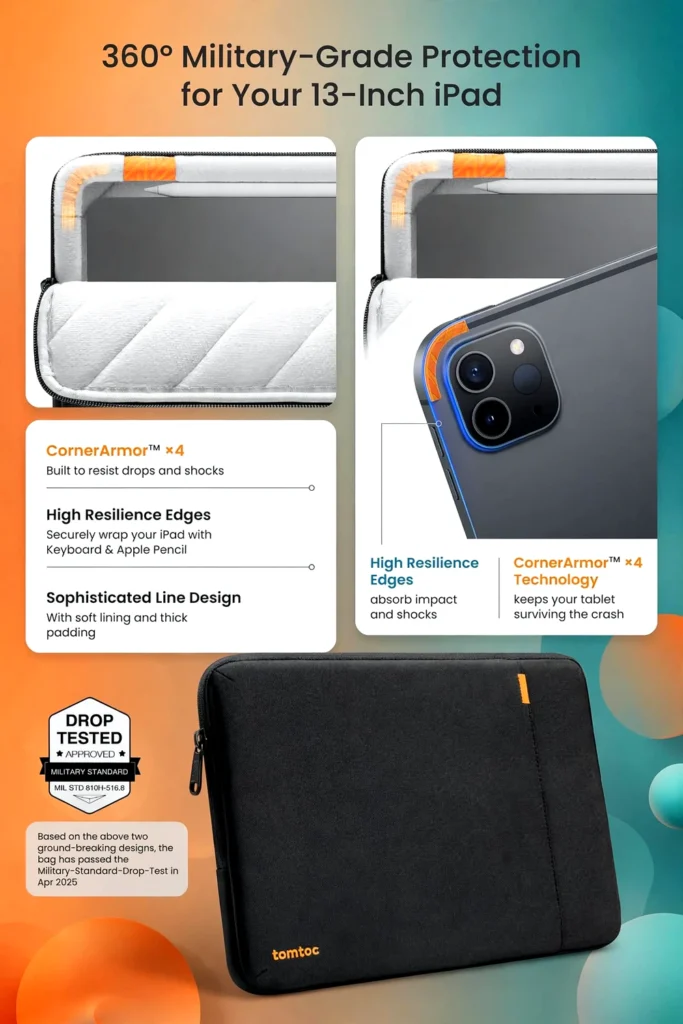
The second is bumps and drops. Backpacks get dropped, set down hard, and squeezed under airplane seats. The listing describes corner protection (the brand calls it CornerArmor), resilient edges, and high-density soft padding, which suggests the design is aimed at everyday knocks rather than just scratches.
The third is the pile of extras. A tablet rarely travels alone. You’ve got a charger, a cable, maybe a mouse. The listing mentions an extra front pocket for these items, plus a strap for an AirTag or keys.
Product overview
This is a zippered sleeve-style case, not a hard shell and not a full bag with shoulder straps. The idea is that your iPad, keyboard attached, slides into a padded carrying sleeve that you can carry on its own or tuck into a larger bag. The listing describes the exterior as water-resistant, made from recycled fabric, with YKK zippers and a soft interior lining.
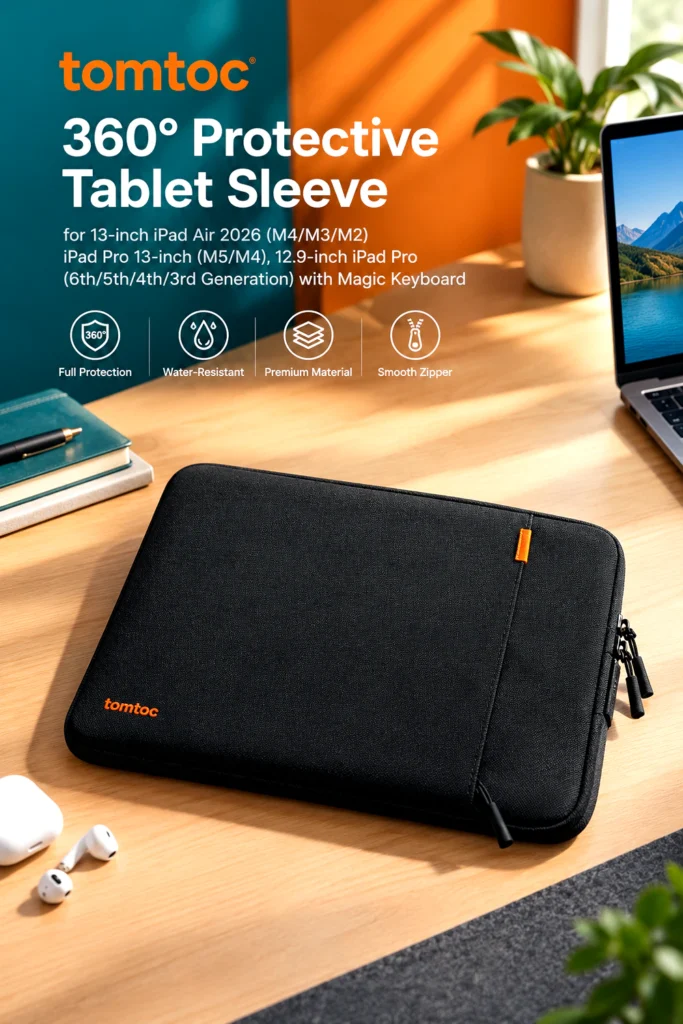

It appears to suit people who already own the Magic Keyboard setup for one of the supported 13-inch models and want protection in transit. It’s less obviously meant for someone who wants to use the iPad while it’s inside a case.
Key features that matter
Corner and edge protection. Corners are where tablets usually take the worst of a fall. The listing says the sleeve uses reinforced corners and resilient edges, and that it passed a military-standard drop test. Test conditions aren’t spelled out in the material I reviewed, so I’d treat this as a manufacturer claim and not a guarantee that your iPad survives any drop. It could matter most to people who commute or carry the sleeve in busy spaces.
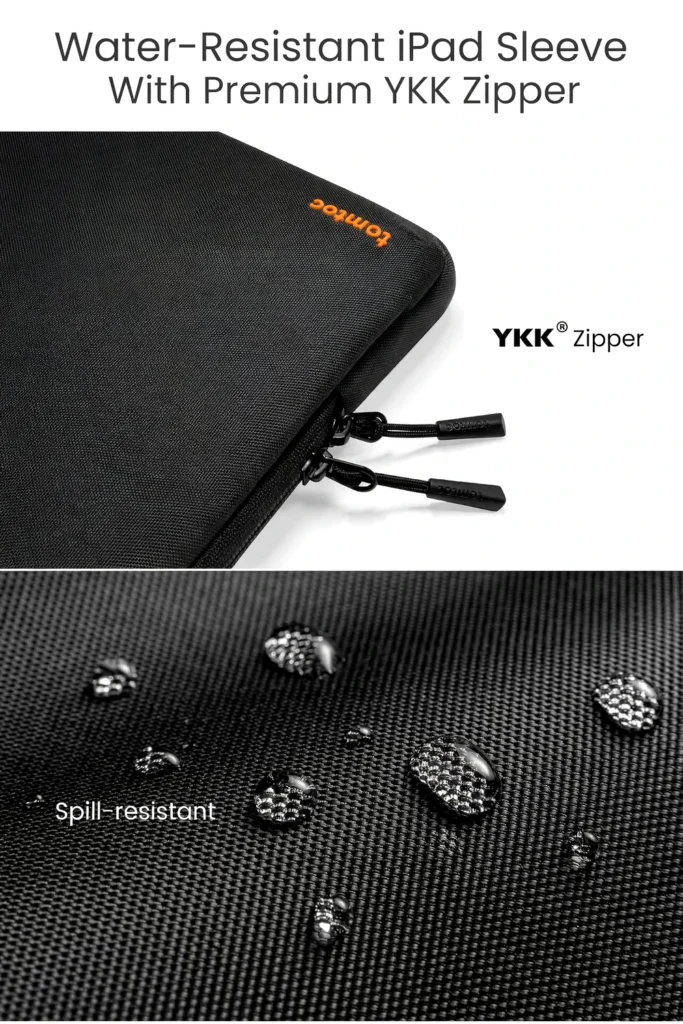
Water-resistant fabric. The listing uses “water-resistant” and “spill-resistant,” not “waterproof.” That distinction matters. It should help with light rain or a splash from a coffee cup, but it’s not a promise your iPad stays dry in a downpour or if the sleeve is submerged.
Front pocket and strap. An outer pocket is handy for a charging brick and cable. The trade-off is simple: the more you cram into it, the bulkier the sleeve gets. The listing doesn’t give pocket dimensions in the information I checked, so large power bricks or bulkier accessories are worth confirming before you count on it.
Compatibility spread. One sleeve supports multiple generations, which is helpful if you plan to upgrade your iPad later within the supported lineup. The catch is that fit across so many models probably involves some compromise, and I can’t verify how snug the fit is for each one.
Design, materials, and build
Based on the listing, the build includes recycled fabric on the exterior, YKK zippers, and a soft inner lining with padding around the edges. The stated design priority is a sleek profile, though “sleek” is subjective, and a sleeve that holds a tablet plus keyboard case will have some thickness.

I haven’t handled this sleeve, so I can’t speak to stitching quality, how the fabric feels, or how it wears over time. Product photos can’t prove those things either. Long-term durability is something I’d leave to buyers who have actually used it for months, and I’d check the listing’s recent reviews for that.
Real-world use
For a commute, the sleeve slides into a backpack or tote and gives your iPad its own padded compartment. That’s a reasonable approach if your bag doesn’t have a built-in tablet pocket, or if the pocket is too small for a tablet in a keyboard case.
For a work-from-home setup, it’s handy for shuttling an iPad between rooms or taking it to a café. In a shared household, a sleeve also keeps a keyboard case from picking up scuffs on a cluttered desk.
For travel, the front pocket may let you carry a few essentials without a separate bag, though the sleeve isn’t built like a full briefcase. If you want to carry a laptop and tablet together, you’ll probably want something larger.
One practical limitation: you usually have to take the iPad out to use it comfortably. If you want a case that doubles as a stand or lets you type from inside it, this is the wrong tool.
Buying Decision
How it compares with typical alternatives
Against a basic, thin envelope-style pouch, this tomtoc sleeve appears to offer more padding and corner protection, plus a place for accessories. The cost is extra thickness and, probably, extra weight.
Against hard-shell cases, a sleeve is generally lighter and more flexible but offers less rigid protection against crushing. If your bag gets heavy loads piled on top of it, a rigid case may be a better match.
Against full backpacks or briefcases with tablet compartments, a sleeve is simpler and cheaper but doesn’t carry as much. Against universal tablet sleeves, a model sized for the Magic Keyboard setup may fit better, but universal designs can work with more devices.
Pros and cons
Pros
- Listed as compatible with several 13-inch iPad Air and iPad Pro models, including the 12.9-inch generations, with Magic Keyboard.
- Padded edges and corner protection are described in the listing.
- Water-resistant exterior may help with light spills or drizzle.
- Front pocket and key/AirTag strap add some everyday utility.
- Zipper closure keeps the contents contained.
Cons
- Drop-test and protection claims come from the manufacturer, and details aren’t fully specified.
- Water-resistant is not waterproof.
- You still have to remove the iPad to use it.
- Front pocket capacity for bulky chargers is unconfirmed.
- Fit across many models may not feel equally snug on each.
Who should buy it
This sleeve may make sense if you own one of the listed 13-inch models, use the Magic Keyboard, and need a protective layer for bag-to-bag carrying. It’s also a reasonable pick for anyone who wants a few accessories along without carrying a second pouch.
Who may want something else
Someone who wants a case that protects the iPad while it’s in use, or who wants a hard-shell option for heavy travel, may be better off elsewhere. The same goes for people who carry a laptop and tablet together, who might prefer a bag with built-in compartments. If your iPad doesn’t match the listed models, or you use a different keyboard case, a sleeve sized for your specific setup is a safer choice.
Buying considerations
- Exact model: Match your iPad’s size and generation against the compatibility list before ordering.
- Keyboard case: The listing refers to the Magic Keyboard. If you use another keyboard case, confirm fit.
- Dimensions and weight: I couldn’t verify these for this exact variant, so check the current product page.
- Front pocket: Look at what you plan to carry and whether it is likely to fit.
- Return policy: Check the seller’s current terms in case the fit isn’t right.
I couldn’t independently assess customer feedback for this exact listing, so I’m not summarizing reviews. It’s worth reading recent buyer comments on the current page, especially anything about fit with your iPad model and keyboard.
Is it worth the price?
I’m not quoting a price, since prices, discounts, shipping, taxes, and availability change and are best checked at checkout.
Value here depends on your setup. If you have a pricey iPad with a keyboard case and you commute often, paying for a padded, purpose-sized sleeve may feel reasonable. If you mostly move your iPad between two spots at home, a simpler or cheaper pouch may be enough.
Useful pre-purchase questions
Will it fit my setup?
Check three things: your iPad’s size, its generation, and whether it’s in the Magic Keyboard. If any of those differ from the listing, don’t assume it will fit. Compare against the listed model names and confirm on the current page.
Is it suitable for frequent use?
The listing describes YKK zippers and reinforced construction, which sounds promising for daily use. But I can’t confirm long-term durability, so I’d check recent buyer feedback on zippers, seams, and fabric wear before deciding.
Final verdict
The tomtoc 360° Protective Tablet Sleeve looks like a sensible pick for people carrying a 13-inch iPad with a Magic Keyboard who want padding, corner protection, and a bit of storage. The listing’s feature set matches the problems this kind of product typically addresses, and the broad model compatibility is a practical plus.
The main uncertainties are fit with your exact setup and how well the protection claims hold up in real use, since I couldn’t verify test details or long-term wear. It’s less suited to people who want in-use protection, rigid armor, or a larger carry-all.
If your iPad and keyboard match the compatibility list and you mainly need a padded carrier for the bag, check the current listing for the latest price, availability, specifications, and customer reviews before you decide.

The author of RigRamp.com has been managing and developing the website since 2015, with a strong background in online marketing and affiliate programs across various marketplaces. With a passion for technology, the author enjoys exploring the latest tech products, discovering useful digital tools, and following trends in the online industry.
