
Seenda CTU-301 review: a Bluetooth keyboard and mouse combo with a tablet holder. See features, limits, and who this Bluetooth keyboard iPad setup suits.
Disclosure: As an Amazon Associate and AliExpress affiliate, I may earn from qualifying purchases made through links on this page.
Review: A Bluetooth Keyboard and Mouse Combo for iPad and Beyond
Typing on a glass screen gets old fast. If you use an iPad for email, notes, or schoolwork, a physical keyboard and mouse can make it feel much more like a small laptop. The catch is that many setups need a separate stand, and that’s more stuff to carry.

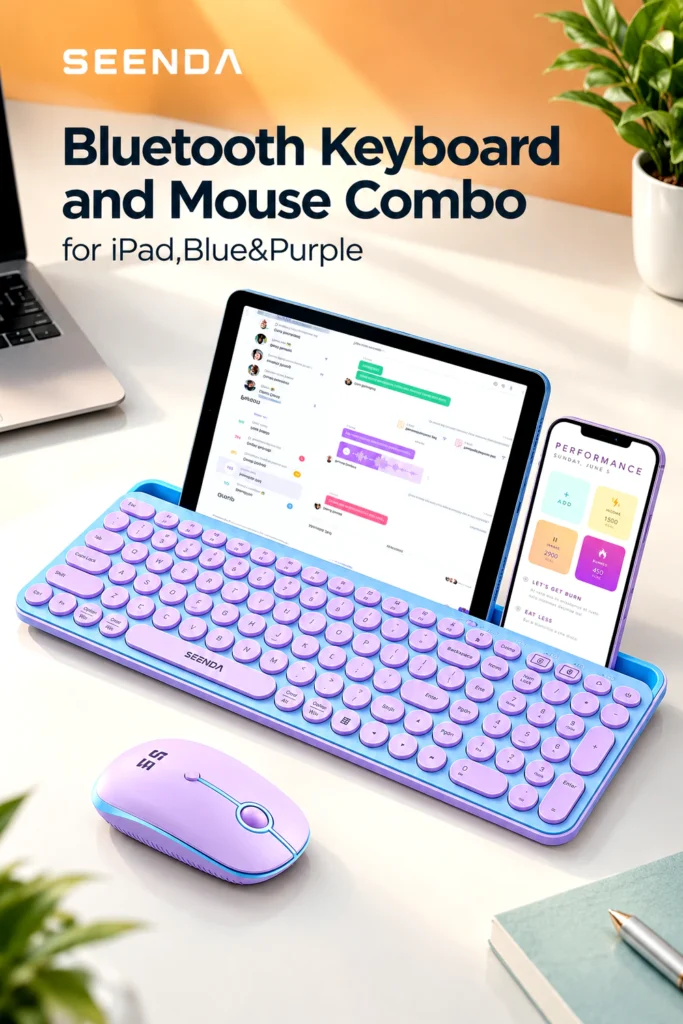
The Seenda CTU-301 tries to solve that by building the stand into the keyboard. It’s a Bluetooth keyboard and mouse combo with a slot for propping up a tablet or phone. It also works with a 2.4G USB receiver for computers. This review covers the Blue & Purple version and breaks down what the listing promises, where it looks strong, and where you may run into limits.
Note: I haven’t tested this product myself. This review is based on the product listing details, the specifications published for the CTU-301 line, and the general patterns reported by others who have used it.
Quick Verdict
The CTU-301 looks like a practical, budget-minded option for people who want a full-size keyboard and mouse that can work with a tablet, phone, or computer. The built-in tablet holder and the dual connection options are its main draws. The main caveats are that the holder slot is thin (so tablet cases may not fit) and that it runs on replaceable batteries rather than a built-in rechargeable one.
Product Overview
The Seenda CTU-301 is a wireless keyboard and mouse set sold in several colors, including the Blue & Purple version covered here. It supports two connection methods:
- Bluetooth 5.0 for iPads, iPhones, Android tablets, Macs, and other Bluetooth devices
- 2.4G wireless through a USB receiver, which suits desktops and laptops that lack Bluetooth
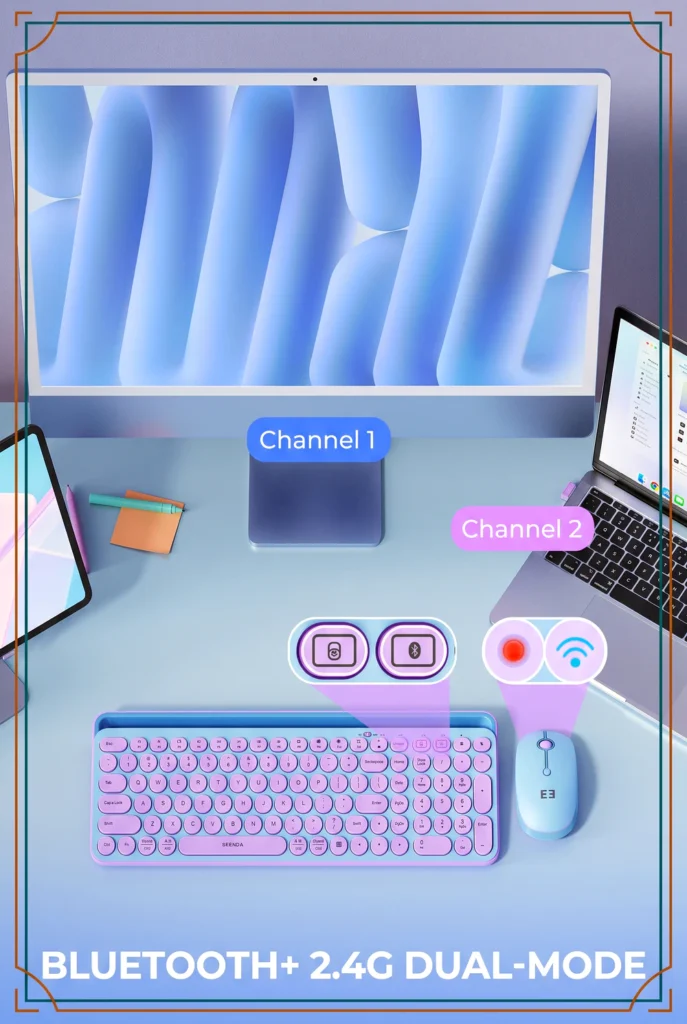
The listing says the set works with iPad Pro, Air, and Mini models, plus iPhones, Samsung tablets, MacBooks, Surface Pro, and Windows PCs. It also says the keyboard can switch quickly between two devices and automatically recognizes the connected device’s operating system to map keys accordingly.
Key Specifications & Features
Here’s what the product listing describes:
- Connectivity: Bluetooth 5.0 plus 2.4G USB receiver
- Range: Up to 33 feet (10 meters)
- Receiver storage: The USB receiver is stored on the bottom of the keyboard
- Device switching: Fast switching between two devices
- Layout: Full-size keyboard with a number pad
- Hotkeys: 15 hotkeys plus an Fn lock
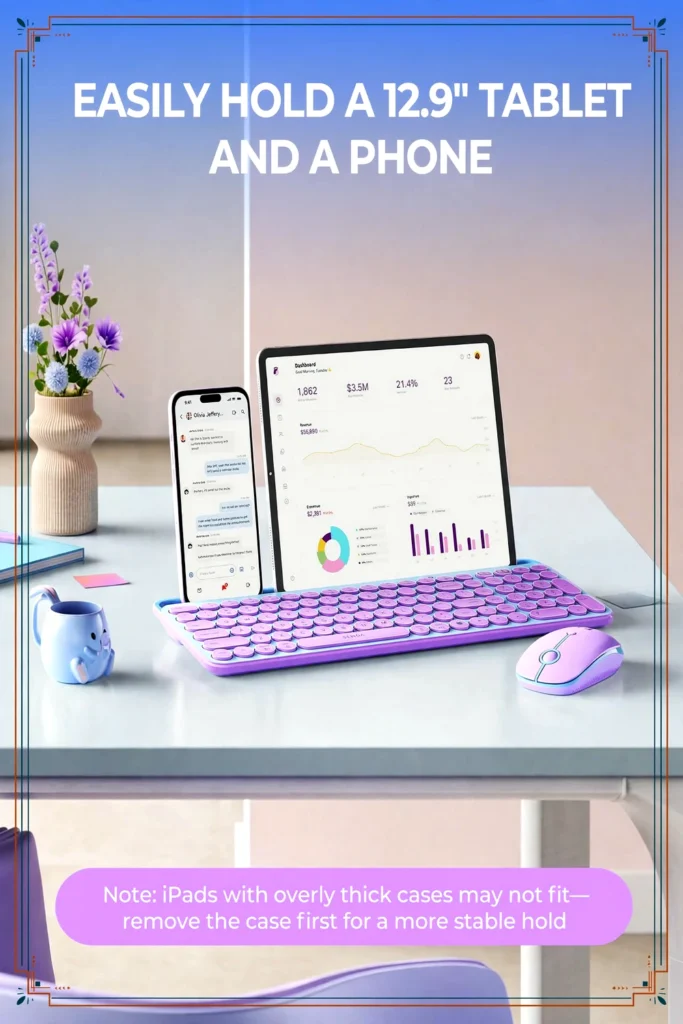
- Tablet holder: Built-in slot about 14.4 inches long and 0.43 inches wide, described as able to hold a 12.9-inch iPad Pro horizontally
- Power: Separate power switch on the keyboard to save battery
- Keycaps: Round, typewriter-style keys
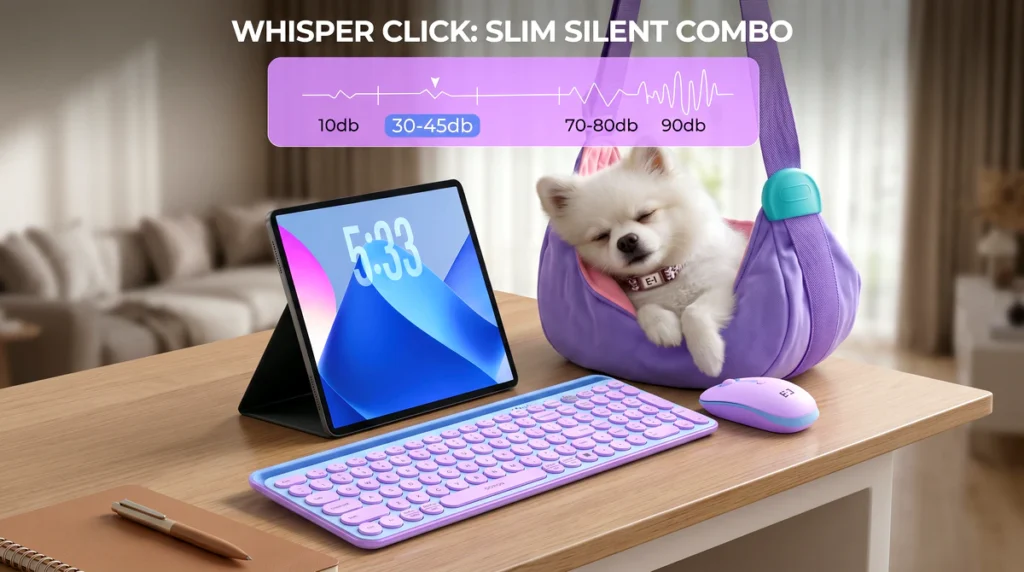
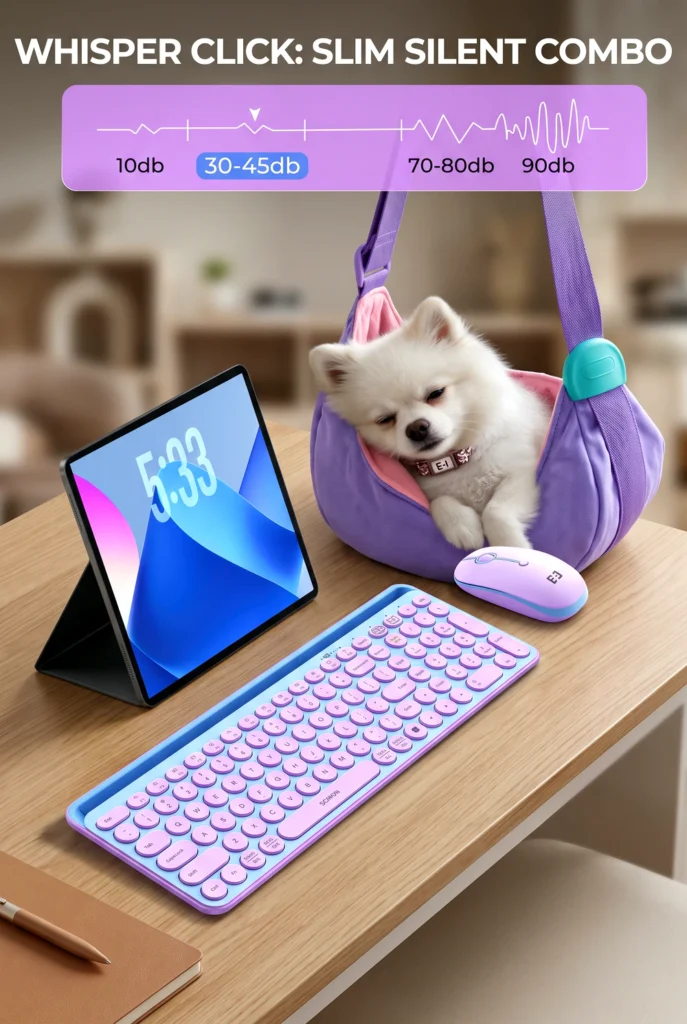
- Mouse: Described as having quiet clicks
- Setup: Plug-and-play, with no extra software or drivers required
Battery details are worth checking on the product page before you buy. Hands-on coverage of this combo indicates the keyboard uses two AAA batteries and the mouse uses one AA battery, so plan on having spares.
Design & Build Quality
The most distinctive thing about the CTU-301 is the round, typewriter-style keycaps. If you like a retro look, the Blue & Purple colorway leans into that playful style. If you prefer a plain, low-profile office keyboard, this one may not be your taste.
The keyboard is full size and includes a number pad, which is a nice change from the compact keyboards that often come with tablets. The listing also says the keyboard’s feet are designed to hold a comfortable slope for longer typing sessions.
I can’t comment on key travel, plastic quality, or long-term durability without hands-on use, and the listing doesn’t give enough detail to judge those fairly.
Practical Use & Performance
Using It as a Bluetooth Keyboard for iPad
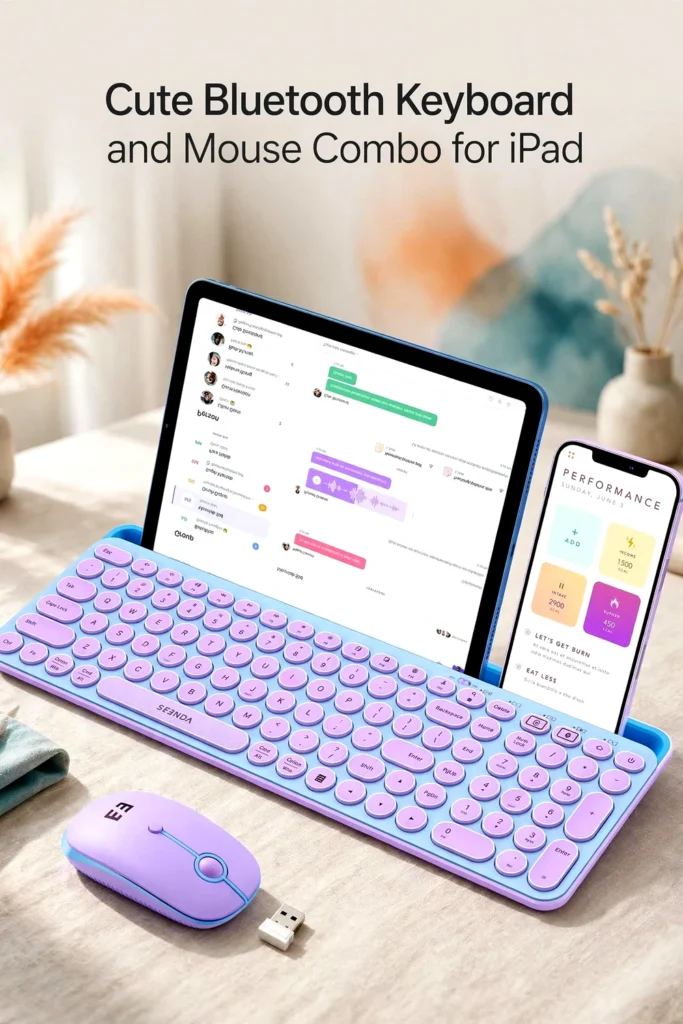
For iPad users, the appeal is simple: pair over Bluetooth, drop the tablet into the slot, and start typing. With the stand built in, you can set up on a desk, a kitchen table, or a couch tray without carrying an extra accessory. The mouse also adds precision for editing text or working in spreadsheets, though how it behaves on iPadOS depends on your device settings.
One practical point matters here. The holder slot is only about 0.43 inches wide, and others who have handled the combo report that it’s too thin for most tablets in a case. If your iPad lives in a thick protective case, expect to take it out each time you use the stand. That’s a real inconvenience for kids, students, or anyone who needs drop protection.
Using It With a Computer or Phone
If you have a laptop or desktop without Bluetooth, the 2.4G receiver gives you a plug-and-play option. The keyboard can also hold a phone in the slot, which could be handy for following a recipe or a video while typing.
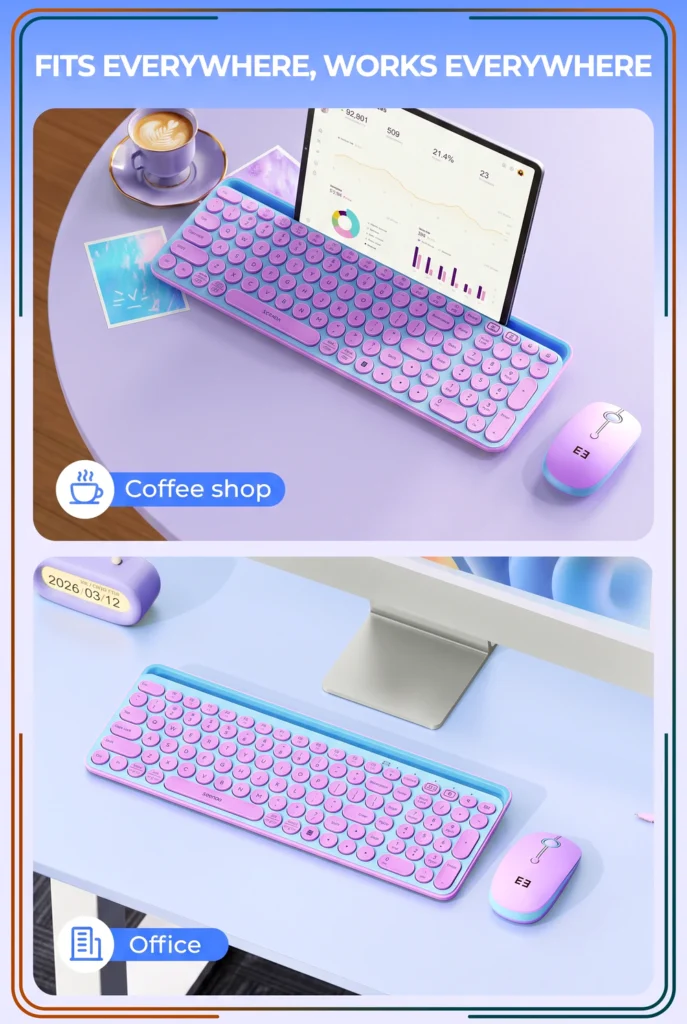
The two-device switching is useful if you move between, say, an iPad and a phone, or a tablet and a laptop. It’s limited to two devices, so people who juggle three or more may want to look at other models.
Benefits & Potential Drawbacks
Benefits
- Built-in holder reduces the need for a separate stand
- Bluetooth and 2.4G options increase flexibility
- Full-size layout with number pad suits heavier typing
- Wide compatibility across iPadOS, iOS, macOS, Windows, and Android
- Quiet-click mouse may suit shared spaces
Potential Drawbacks
- The thin slot generally won’t fit a tablet in a case
- Battery powered, so you’ll need to buy and replace batteries
- Two-device limit
- Round keycaps may take adjustment if you’re used to a standard low-profile feel
- Full-size layout is less pocket-friendly than a compact travel keyboard
Customer Feedback
I could not independently assess customer ratings or review counts for this exact color variant, so I won’t characterize overall buyer satisfaction. Before purchasing, it’s worth reading recent buyer reviews on the product page, paying attention to comments about typing feel, connection stability, battery life, and how well the tablet slot works with your device.
Pros & Cons
Pros
- Integrated tablet and phone holder
- Bluetooth 5.0 and 2.4G USB connection
- Full-size keyboard with number pad and hotkeys
- Works across multiple operating systems
- Separate power switch to help conserve battery
- Eye-catching round keys and colorway
Cons
- Slot is too thin for most cased tablets
- Uses replaceable batteries
- Only two devices can be paired
- Key feel and durability couldn’t be verified without hands-on testing
Who Should Buy It / Who May Want to Skip It
It may suit you if:
- You want a Bluetooth keyboard iPad setup that doubles as a stand
- You use a caseless iPad or tablet at a desk or table
- You like the retro, round-key look
- You want a full-size layout with a number pad
- You switch between a tablet and a computer or phone
You may want to skip it if:
- Your tablet stays in a thick case
- You prefer a rechargeable keyboard and mouse
- You need to connect more than two devices
- You want a compact keyboard for travel
- You prefer a standard low-profile key style
Final Verdict
The Seenda CTU-301 is aimed at a clear audience: people who want an affordable, full-size Bluetooth keyboard and mouse that can prop up a tablet without extra gear. Its flexible connectivity and stand design are genuine conveniences, and the retro look gives it some personality.
Its limits are just as clear. The thin holder and battery-powered design won’t work for everyone, and I can’t speak to long-term durability. If your tablet is usually caseless and you value convenience over a premium typing feel, it deserves a closer look.
Check the Latest Details
Prices, availability, and color options can change. If this combo sounds like a fit, take a moment to check the latest price, specs, offers, and customer reviews on the product page before you decide, especially the details on batteries and tablet compatibility.

The author of RigRamp.com has been managing and developing the website since 2015, with a strong background in online marketing and affiliate programs across various marketplaces. With a passion for technology, the author enjoys exploring the latest tech products, discovering useful digital tools, and following trends in the online industry.
