
A dual-monitor setup can make a desk much more productive, but the stands that come with monitors often consume a surprising amount of workspace. Large bases can leave less room for a keyboard, notebook, laptop, or docking station, while fixed-height stands limit how easily you can position two screens.
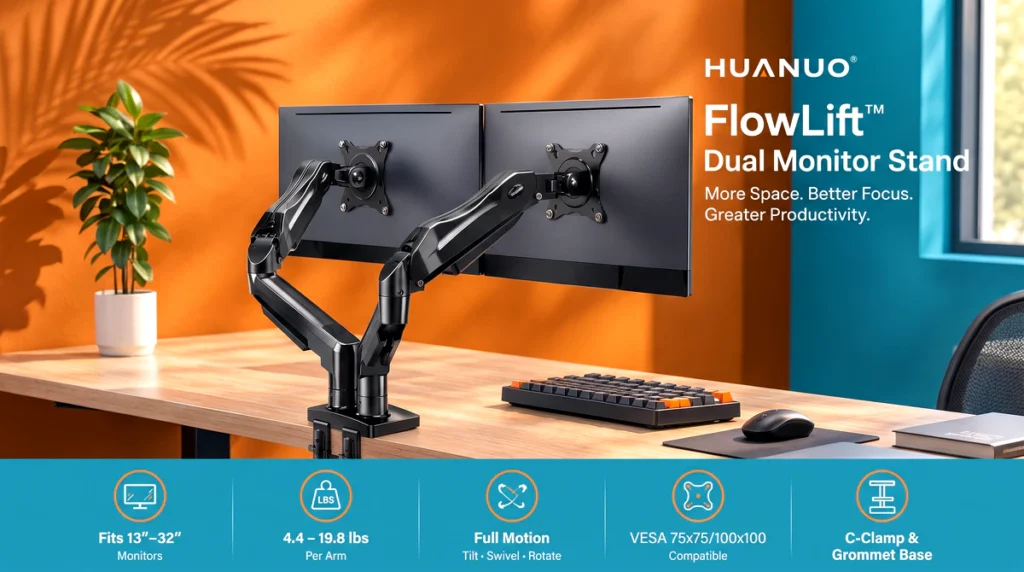
The HUANUO FlowLift Dual Monitor Stand approaches the problem by moving both displays off the desktop and onto a fully adjustable monitor desk mount. The listed configuration supports two 13- to 32-inch monitors, with each arm rated for displays weighing 4.4 to 19.8 pounds. It also supports VESA 75x75mm and 100x100mm mounting patterns, along with C-clamp and grommet installation.
For buyers building a home office, gaming station, or productivity-focused workstation, the feature set is appealing. The important catch is that desk and monitor compatibility need to be checked carefully before purchasing.
Why a Dual Monitor Desk Mount Can Make a Difference
The biggest benefit of a dual monitor arm is not simply having two screens. It is being able to position those screens without dedicating a large portion of the desktop to their original stands.


Here are several practical problems the FlowLift is designed to address:
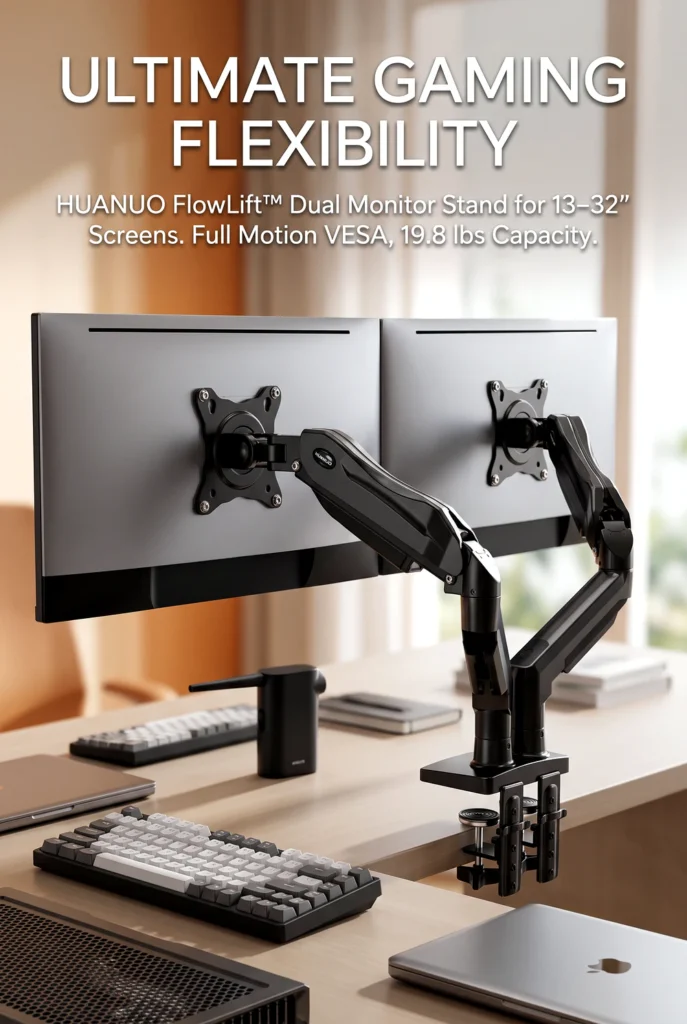
Limited desk space → elevated monitors → more usable desktop area.
Because the monitors attach to the arms instead of sitting on their original bases, the listing says the stand can free space for items such as a keyboard, notebook, or docking station. This makes particular sense on smaller or crowded desks.
Fixed monitor positioning → full-motion adjustment → easier screen positioning.
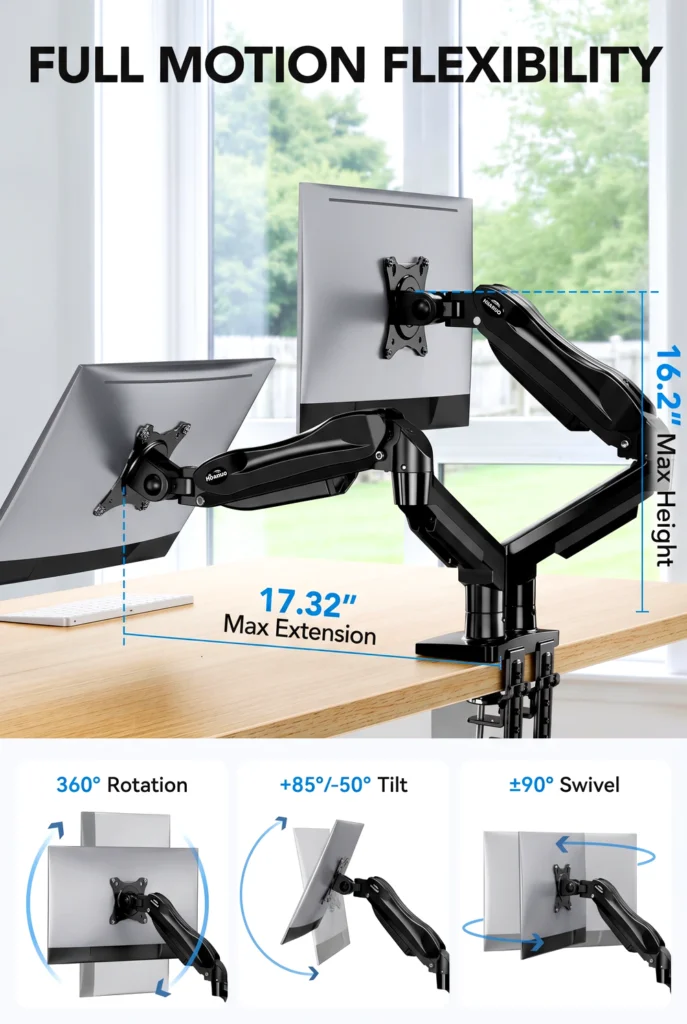
The arms provide tilt, swivel, rotation, and height adjustment. The listed range includes +85°/-50° tilt, ±90° swivel, and 360° rotation. That flexibility can be useful when switching between normal landscape viewing and portrait orientation.
Two separate monitor stands → one dual-arm mounting system → cleaner setup.
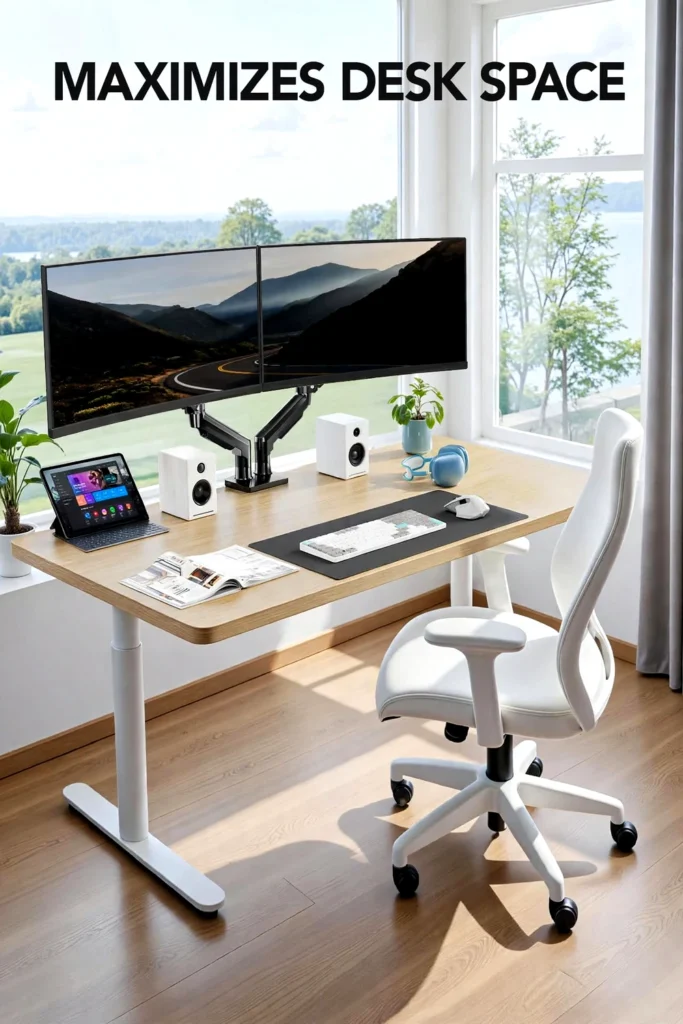
A single mounting structure keeps both displays elevated from the desk. Built-in cable-management channels along the arms are also intended to keep monitor cables more organized.
Desk-mounted equipment that is difficult to position → adjustable arms → more control over viewing angles.
The product is designed to let users pull screens closer, push them back, tilt them, or rotate them. The practical advantage depends on the available desk depth and how the two monitors are positioned.
Worry about monitor compatibility → defined VESA and weight requirements → easier pre-purchase checking.
The compatibility requirements are specific rather than universal. Each display needs to fall within the supported size and weight range and have the correct VESA mounting holes.
Disclosure: This article may contain Amazon affiliate links. As an Amazon Associate I earn from qualifying purchases, at no extra cost to you.
What Is the HUANUO FlowLift?
The HUANUO FlowLift is a dual monitor desk mount designed to hold two computer monitors above a desk. The configuration reviewed here supports screens from 13 to 32 inches and up to 19.8 pounds per arm, with a minimum listed weight of 4.4 pounds per monitor.
The mount uses alloy steel construction and is offered in black, with the Amazon listing also showing a white option. Available size configurations include 13–27, 13–30, and 13–32-inch versions, so buyers should make sure they select the configuration appropriate for their monitors.
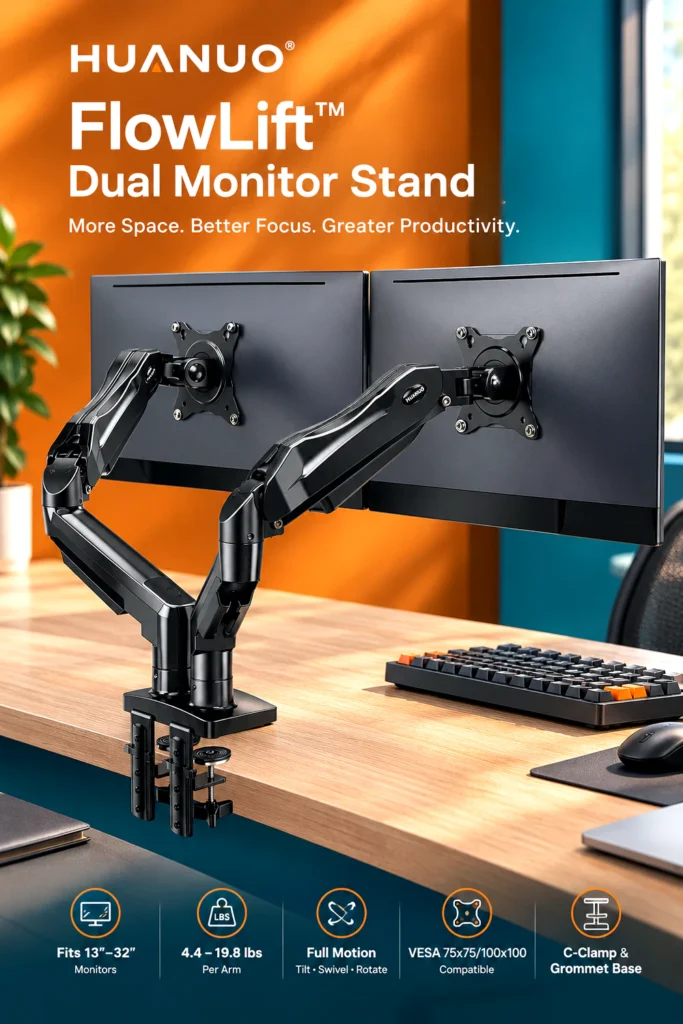
The 13–32-inch version is the most relevant option for buyers with larger displays.
Mounting is handled through either a C-clamp or grommet installation. However, this is not a universal desk mount. The listing specifically recommends wooden desks, with a thickness range of 0.59 to 3.54 inches. Plastic and glass desks are not recommended, and the underside of the desk should not have cross beams or panels that interfere with installation.
That limitation is important enough to check before ordering.
Key Features That Matter
Supports Two Monitors Up to 32 Inches

Each arm supports a monitor between 4.4 and 19.8 pounds, while compatible screen sizes range from 13 to 32 inches.
For many conventional desktop monitors, that provides a useful compatibility range. However, screen size alone is not enough. A 32-inch monitor still needs to fall within the weight limit and use a compatible VESA pattern.
The mount supports 75x75mm and 100x100mm VESA mounting holes.
Best for: Buyers with two standard VESA-compatible monitors.
Limitation: A monitor outside the listed size, weight, or VESA requirements should not be assumed to work.
Full-Motion Adjustment
The FlowLift provides +85°/-50° tilt, ±90° swivel, and 360° rotation. The listing also specifies a maximum height of 15.75 inches and a maximum extension of 17.32 inches.

That combination gives the arms considerable positioning flexibility. Portrait orientation can be particularly useful for coding, long documents, or other vertically oriented content, while landscape positioning remains suitable for general desktop use.
The important distinction is that adjustability does not guarantee every possible arrangement will work equally well. Monitor dimensions, desk depth, and the position of the mounting point all affect the final setup.
Dual C-Clamp and Grommet Mounting
The stand offers two installation approaches. The C-clamp attaches to the edge of a compatible desk, while the grommet option provides an alternative mounting method where the desk supports it.
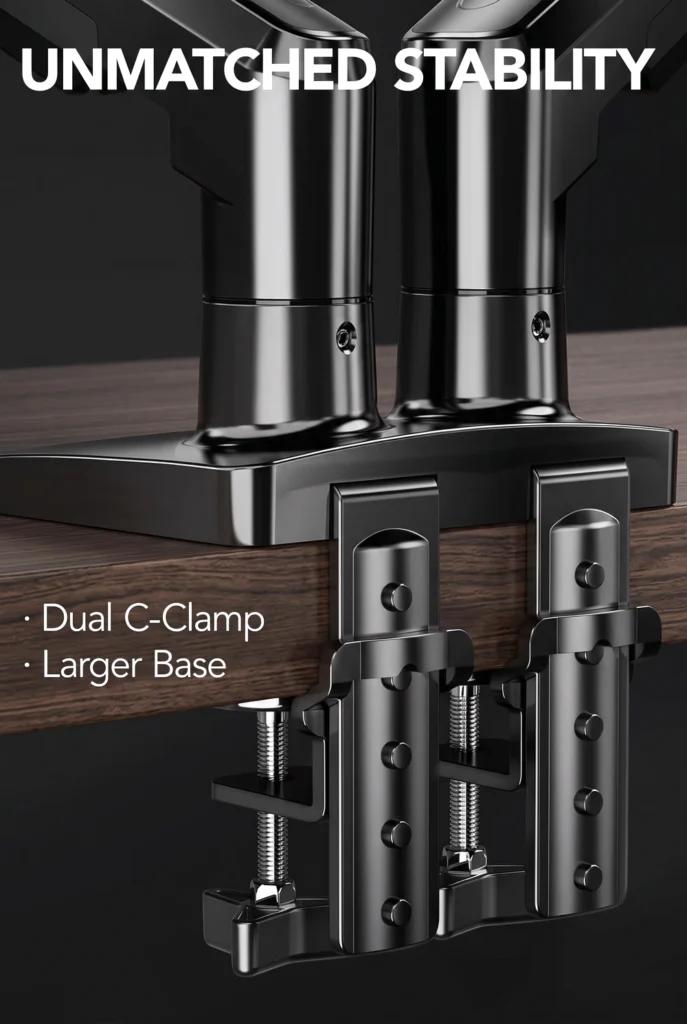
The listed desk thickness range is 0.59 to 3.54 inches.
The manufacturer also specifies that the desk should be wooden and free from underside cross beams or panels that could interfere with installation.
Best for: Conventional wooden desks with an accessible mounting area.
Limitation: This is not a good choice for glass or plastic desks according to the product listing.
Built-In Cable Management
Cable-management guides are incorporated into the arms. This is a relatively simple feature, but it addresses a common problem with dual-monitor setups: cables becoming visible and difficult to organize once two displays are connected.
It will not eliminate cable clutter by itself, particularly if the computer, power outlets, and peripherals are positioned far from the monitor arms. Still, routing cables along the arms can produce a cleaner-looking installation.
What Kind of Setup Is It Best Suited For?

The specifications make the FlowLift particularly relevant to dual-screen home offices, gaming desks, coding workstations, and general productivity setups.
It can make sense for someone using two monitors who wants more open space underneath the displays or frequently changes screen positioning.
It is also potentially useful for people who want one screen in portrait orientation and another in landscape, although the exact arrangement will depend on monitor dimensions and desk space.
The product should not be treated as a standing-desk converter, however. Despite being u

The author of RigRamp.com has been managing and developing the website since 2015, with a strong background in online marketing and affiliate programs across various marketplaces. With a passion for technology, the author enjoys exploring the latest tech products, discovering useful digital tools, and following trends in the online industry.
