
A flat display can do the job, but it may feel less immersive when you are sitting close to a large screen. The Samsung 32-inch Odyssey G55C addresses that problem with a QHD panel, a pronounced 1000R curve, and a 165Hz refresh rate aimed at smoother gaming. This review looks at its practical strengths, limitations, and the type of buyer who may get the most from this curved gaming monitor.
This article may contain affiliate links to Amazon and AliExpress. If you purchase through one of these links, I may earn a commission at no extra cost to you. That relationship does not change how the product is evaluated.
Product overview and buying context
Common problems and the product’s solution
A gaming monitor has to balance several competing priorities. A screen can be large and immersive but still look soft if its resolution is too low. It can display sharp images but feel less responsive if its refresh rate is limited. Some monitors also struggle to keep fast-moving scenes looking clean, particularly when the computer’s frame rate changes during play.

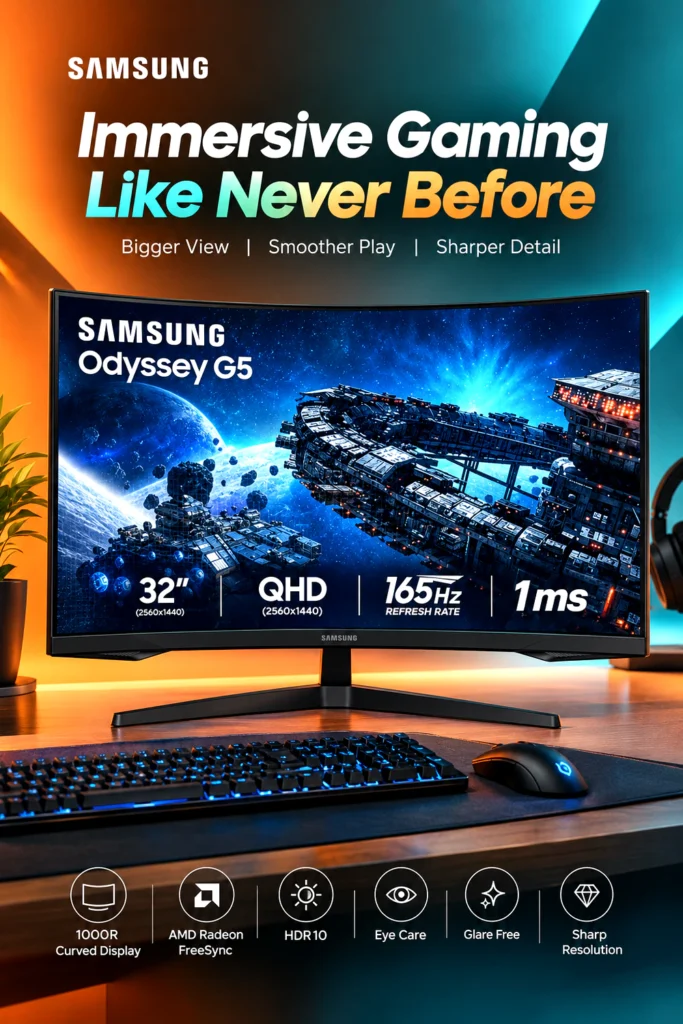
The Odyssey G55C is designed to address those concerns with a 2,560-by-1,440 QHD resolution, a maximum refresh rate of 165Hz, and AMD Radeon FreeSync support. Samsung lists a 1ms MPRT response-time specification as well. Those features target smoother motion and reduced tearing when the monitor and compatible graphics hardware are configured correctly.
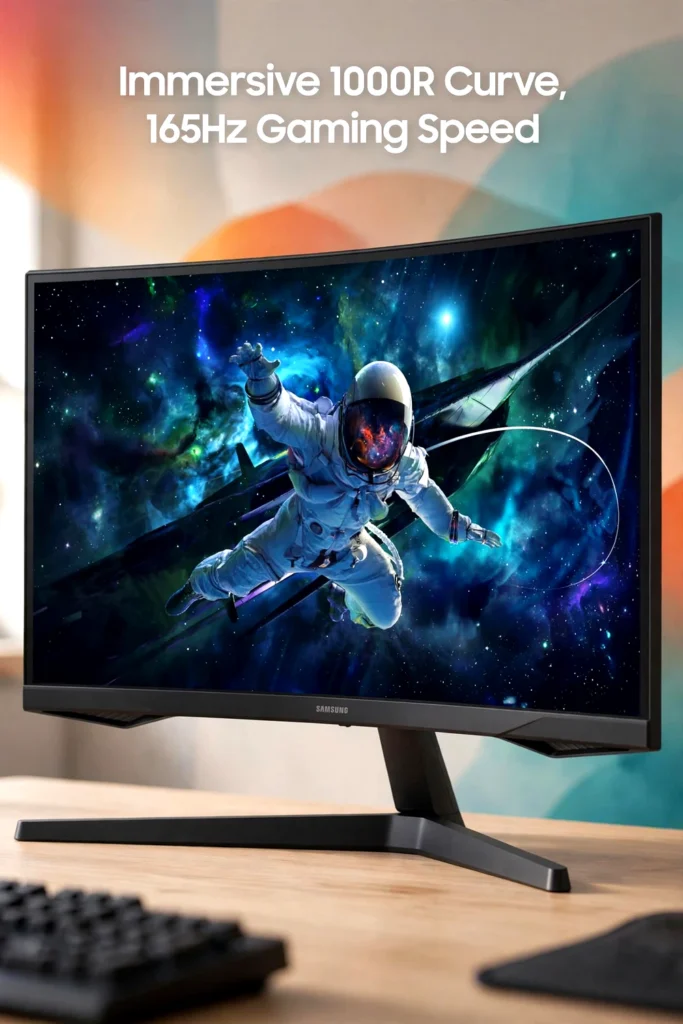
The screen’s 1000R curvature is another part of the design. A curve this pronounced is intended to follow the natural field of view more closely than a flat panel. That may add immersion in games, especially from a fairly centered seating position, although curved screens are not automatically better for every type of work.
Product overview
The Samsung Odyssey G55C, model LS32CG550ENXZA, is a 32-inch 16:9 gaming monitor with a VA panel, QHD resolution, HDR10 support, and a 1000R curve. Samsung lists a typical brightness of 300 cd/m², a 2,500:1 static contrast ratio, and 178-degree horizontal and vertical viewing angles for this model family.
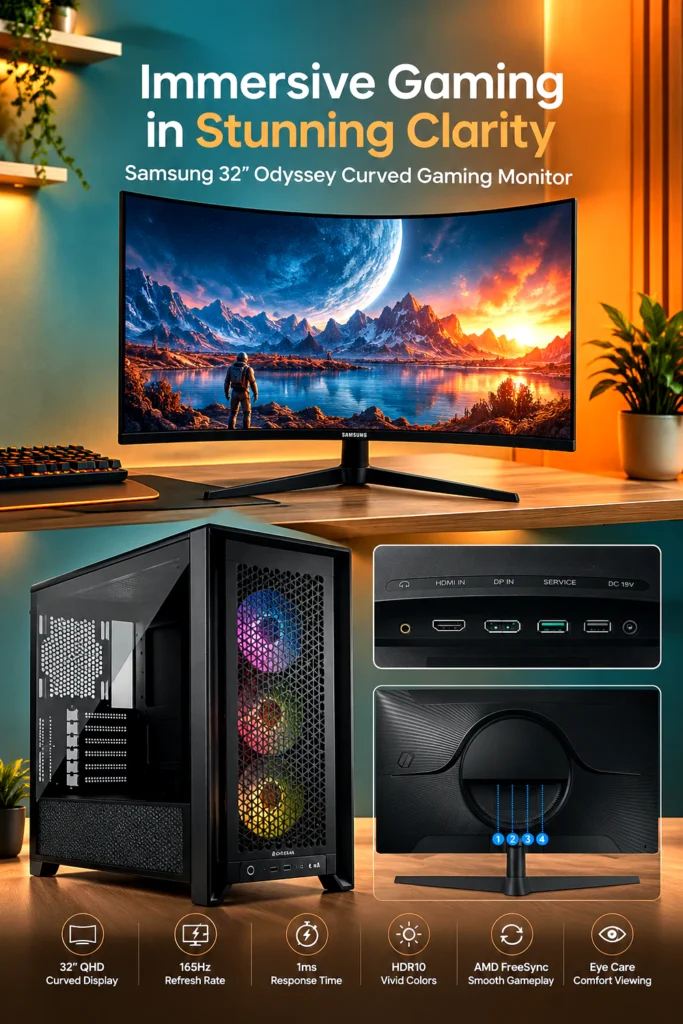

That combination places it in the middle of the gaming-monitor market rather than the premium enthusiast category. It offers more speed and resolution than a basic office display, while avoiding the higher cost and hardware demands associated with very high-resolution or extremely high-refresh-rate screens.
A 32-inch QHD screen can suit someone who wants more workspace than a typical 24-inch display without moving to 4K. It may also work well in a modern gaming setup with curved monitor styling, provided the desk is deep enough for comfortable viewing and the user sits reasonably centered.
Key features that matter
QHD resolution
The 2,560-by-1,440 resolution provides a useful step up from 1080p. On a 32-inch screen, it gives games, photographs, and everyday desktop content more detail than Full HD while remaining less demanding than 4K. Samsung confirms the QHD resolution and 16:9 aspect ratio for the G55C.
The trade-off is that the monitor cannot show the same fine detail as a 4K display. Buyers with powerful graphics hardware who prioritize maximum sharpness may prefer a higher-resolution option. For many gaming PCs, however, QHD is a reasonable balance between image detail and performance demands.
165Hz refresh rate
The monitor can refresh the image at up to 165Hz. A higher refresh rate can make camera movement, scrolling, and fast action appear more fluid than they do on a conventional 60Hz screen, assuming the computer can produce enough frames to take advantage of it.
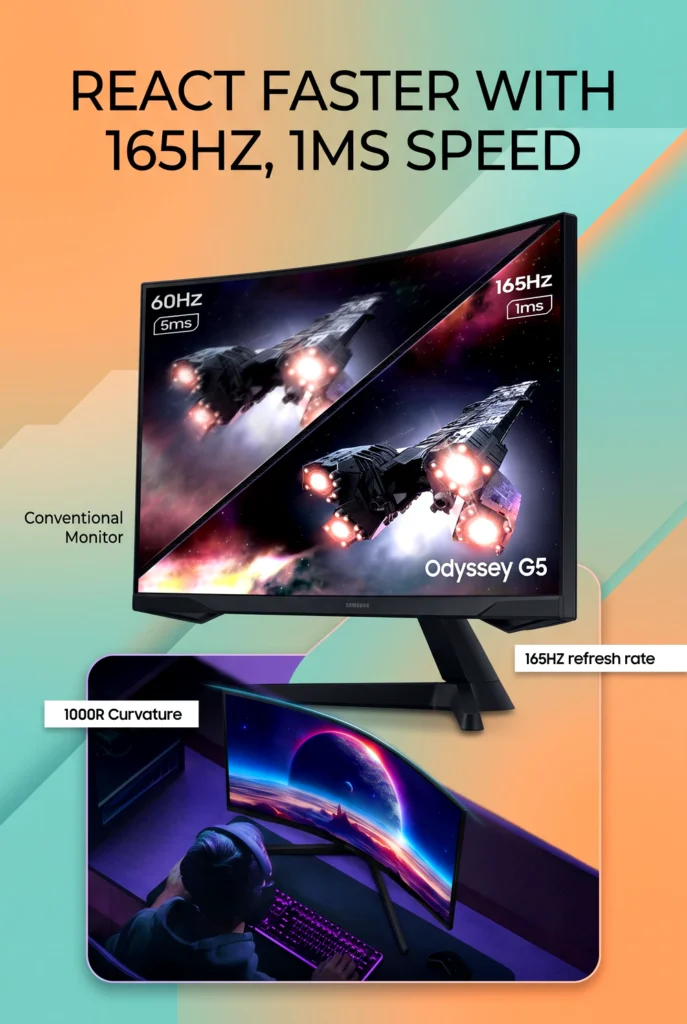

The benefit depends on the rest of the system. A modest computer may not consistently reach high frame rates in demanding games, so the difference will vary by title and graphics settings. The 165Hz rating is best viewed as useful headroom rather than a guarantee of a particular gaming experience.
1ms MPRT response-time specification
Samsung advertises a 1ms MPRT response time. MPRT is a motion-response measurement associated with blur reduction, and it should not be treated as a universal measurement of every type of pixel transition.
That distinction matters because real motion clarity can depend on the selected mode, brightness behavior, frame rate, and the panel’s response characteristics. The specification is appealing for fast games, but buyers should avoid interpreting it as proof that every scene will be completely free of ghosting or blur.
1000R curved VA panel
The 1000R curve is one of the monitor’s defining features. A 32-inch panel with this curvature can make games feel more enveloping, particularly in racing, exploration, and first-person titles where the screen fills much of the user’s forward view.
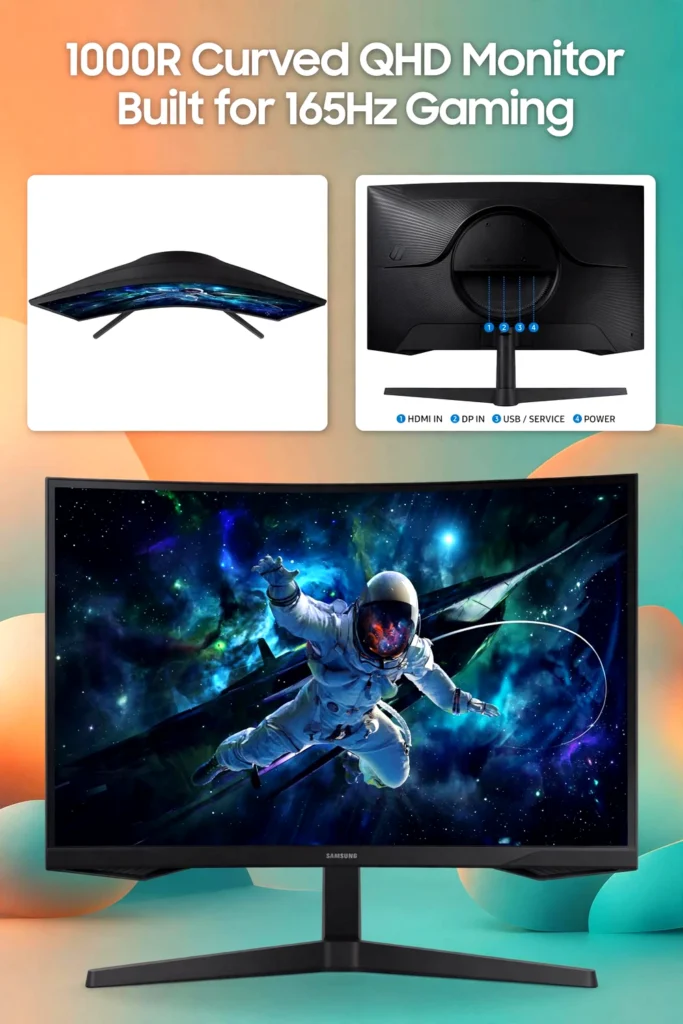
The curve is also a matter of personal preference. It may be less convenient for people who regularly work with straight lines, detailed design layouts, or multiple windows viewed from an angle. It also makes the monitor less flexible for group viewing than a flat screen.
Samsung identifies the display as a VA monitor. VA panels are generally associated with stronger contrast than many basic IPS displays, but motion behavior can vary between models and settings. Independent testing should be consulted if motion clarity is the buyer’s highest priority.
HDR10 and eye-care features
HDR10 support allows the monitor to accept compatible high-dynamic-range content. That does not automatically mean it will deliver the same HDR impact as a high-end display with much higher brightness or advanced backlighting. The listed 300 cd/m² typical brightness suggests that HDR should be considered a supporting feature rather than the main reason to buy this model.
The product listing also highlights eye-care functions, including glare reduction and features intended to limit flicker or reduce visual strain. These may be useful during long sessions, but comfort still depends on room lighting, viewing distance, screen position, and taking regular breaks.
Design, materials, and build
The verified product information confirms the curved 32-inch display and its core specifications, but it does not provide enough detail to make a reliable judgment about long-term durability or the quality of every exterior material. Product photographs alone are not proof of construction quality.
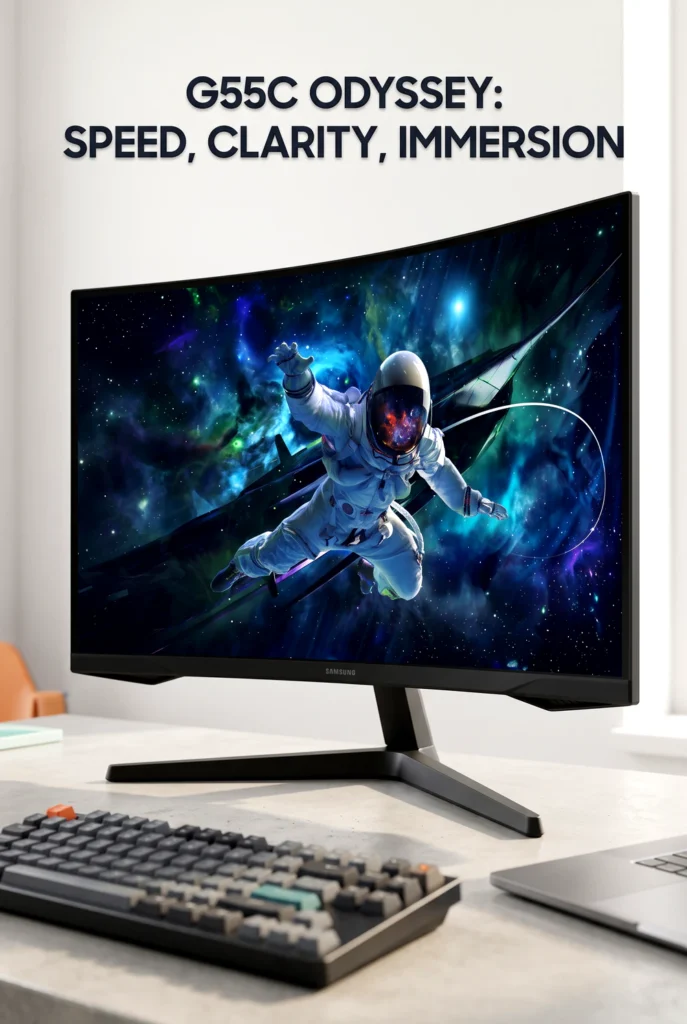
Buyers should pay close attention to the included stand’s adjustment range and the exact mounting information before purchase. Retailer listings for this model family identify a 75-by-75mm VESA mounting pattern, but included accessories and regional packaging can vary, so those details are worth confirming on the current listing.
Real-world use
This monitor is best suited to a permanent desk setup rather than frequent transport. A 32-inch curved display takes up meaningful visual space, and its shape may require more careful positioning than a small flat monitor.
For gaming, the combination of QHD resolution, 165Hz refresh, FreeSync, and the curved panel is easy to understand: more detail, smoother motion potential, adaptive synchronization, and a wider-feeling viewing experience. For work-from-home use, the large screen can be helpful for side-by-side windows, though the curve may not appeal to everyone handling spreadsheets, layouts, or text-heavy tasks.
The monitor should also be checked against the available computer connections. Samsung’s regional specifications list DisplayPort and HDMI connectivity, but the maximum refresh rate and supported features can depend on the connection, cable, graphics card, operating system, and settings.
Buying decision
How it compares with typical alternatives
Compared with a basic flat office monitor, the G55C offers a larger curved screen, QHD resolution, HDR10 support, adaptive synchronization, and a much higher refresh rate. Those features make it more gaming-focused, but they also make the display less neutral for shared viewing or simple office use.
Compared with a premium gaming monitor, the G55C is more restrained. It uses a VA LCD panel rather than an OLED panel, offers 165Hz rather than extreme refresh rates, and does not aim to match the brightness, contrast control, or resolution of more expensive designs. That can be a sensible trade-off for buyers who want a substantial gaming upgrade without paying for every enthusiast feature.
A smaller flat QHD monitor may be easier to fit on a shallow desk and can be more convenient for general productivity. The Samsung’s advantage is the combination of screen size and curvature, not maximum flexibility.
Pros and cons
Pros
- 32-inch screen with detailed QHD resolution.
- 1000R curvature adds a more enveloping gaming presentation.
- 165Hz maximum refresh rate supports smoother motion when the system can use it.
- AMD Radeon FreeSync can help coordinate display refresh with compatible hardware.
- HDR10 support and listed eye-care features add useful flexibility.
- VA panel design is associated with strong contrast potential.
Cons
- The 1000R curve may not suit every workspace or productivity task.
- HDR10 support does not make this a high-end HDR display.
- A 32-inch screen needs more desk space than a smaller monitor.
- The 1ms MPRT figure does not describe every aspect of motion performance.
- The listing does not establish long-term durability or hands-on performance.
- Buyers must verify ports, stand adjustment, mounting details, and included accessories for their exact variant.
Who should buy it
The Odyssey G55C may suit PC gamers who want a large, immersive screen without moving to 4K. It is particularly relevant for people who enjoy single-player games, racing titles, first-person games, or any experience where the curved presentation feels natural.
It may also work for someone building a modern gaming setup with curved monitor aesthetics and wants one display for gaming, streaming, and ordinary computer use. The QHD resolution provides a useful middle ground, while 165Hz gives compatible systems room for smoother gameplay.
Who may want something else
A flat monitor may be a better fit for buyers who frequently share the screen, work with straight-line layouts, or prefer a display that feels visually neutral. A smaller monitor could also make more sense for a shallow desk or a dual-monitor arrangement.
Buyers who care most about professional HDR, very high pixel density, or the clearest possible motion in competitive games may want to consider a more specialized display. The G55C offers a balanced feature set, but it is not designed to satisfy every premium requirement.
Buying considerations
Before ordering, confirm the following details for the exact LS32CG550ENXZA listing:
- The physical dimensions and depth with the stand.
- The stand’s height, tilt, and swivel adjustment range.
- The available HDMI and DisplayPort specifications.
- Whether the included cable supports the desired resolution and refresh rate.
- VESA compatibility if wall mounting or an arm is planned.
- The available desk depth and preferred viewing distance.
- Whether your graphics card can consistently drive QHD at higher frame rates.
- Current price, taxes, shipping, availability, and return terms.
Pricing and offers can change, and regional versions may not include precisely the same cables or documentation. Checking the current listing at checkout is more reliable than relying on an older specification sheet.
Is it worth the price?
The value case depends on how many of its features you will actually use. If you want a large QHD display with a pronounced curve, adaptive synchronization, and a 165Hz refresh rate, the G55C has a coherent set of gaming-oriented specifications. It may be less compelling for someone who only needs a basic office screen or who does not have hardware capable of benefiting from the higher refresh rate.
It is also important not to pay a premium solely for the HDR10 label or the 1ms MPRT figure. Those features can be useful, but the real buying decision is the complete package: screen size, curve, resolution, refresh rate, connection requirements, and desk compatibility.
Final verdict
The Samsung 32-inch Odyssey G55C is a focused curved gaming monitor for buyers who want a larger QHD screen and smoother refresh performance without stepping into a premium display category. Its strongest points are the 1000R design, 165Hz refresh rate, FreeSync support, and practical 1440p resolution.
Its main limitations are just as clear. The aggressive curve will not suit every user, HDR10 should not be mistaken for flagship HDR, and the 1ms MPRT specification does not replace independent motion testing. The monitor makes the most sense for a centered, dedicated gaming setup with enough desk space and a computer capable of driving QHD at high frame rates.
If you are dealing with a cramped or visually flat-feeling gaming setup, this design may be worth a closer look. Check the current listing for the latest price, availability, exact specifications, included accessories, and customer feedback before deciding.

The author of RigRamp.com has been managing and developing the website since 2015, with a strong background in online marketing and affiliate programs across various marketplaces. With a passion for technology, the author enjoys exploring the latest tech products, discovering useful digital tools, and following trends in the online industry.
